Hello Doug,
Do you mean the Device Profile I shared here on the forum?
Please check the Device settings. In the Custom GCode tab, you should have “WeCreat” as the GCOde Flavor. That’s the main difference we added in version 2.1.03.
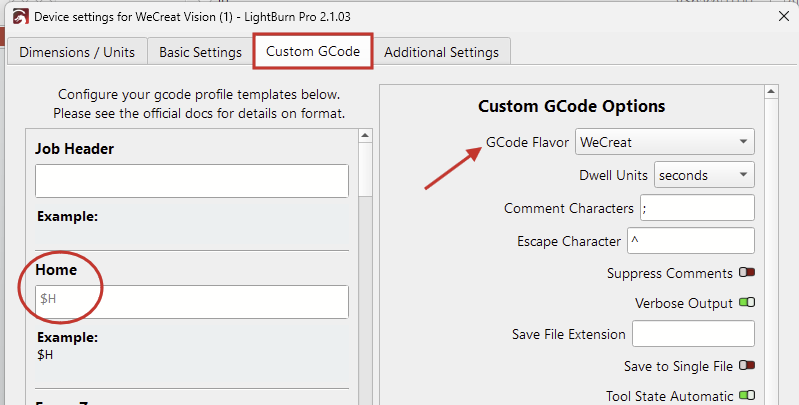
Both settings files send the machine the $H command for homing, so the sequence should be exactly the same.
I ran a few more tests on our Vision, and couldn’t get Z-Steps per pass working.
The machine has a mind of its own and decides to randomly lift the Z-axis during the last pass without turning off the laser.
It then returns to the home position but Z remains at the current height.
The Z-Axis in Device Settings should be disabled until someone can find a workaround for this.
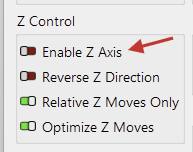
The Focus-Z function will still work when this is disabled. We only send the machine their custom command M130 and the firmware of the laser starts its focus sequence. That is: Move the head down until the material is detected, then move X & Y to the homing position. (The only way to prevent it from moving X Y after homing, is by using our “Focus Center” macro M130X200Y150.
The same goes for the Homing sequence. We send the machine $H, and the controller does its thing. The homing speed is defined in the firmware, so I’m not sure what you mean by “slow home of the laser head”.
The laser might move out of focus. See if it works better when Z-Axis is disabled.