Folks, I JUST got my new Wecreat VisionPro 45W. I was able to create a quick text message using the WeCreate software. However, all of my previous work has been in Lightburn. I have uploaded all of the required software, I verified that both my Secret software and firmware is up to date. When I try to make a cut using Lightburn, the laser head will move but the laser does not fire, nor does the laser head change its position (z-direction) when the machine starts. I have googled, tweaked, googled, tweaked, etc. Still nothing. The directions provided via Wecreate on YOUTUBE, are older and reflect the old version of Lightburn. I
What do you see in the console when you power on your machine?
I usually power on my machine first. I then open Lightburn and connect to the machine. Once connected, I get a message telling me that the connection is completed. I then load my file, and hit start. The laser head moves, but the laser is not firing, nor is it adjusting on the z axis.
Hi Russ,
See if this helps:
It’s not supposed to change the Z-Axis when you hit start. You’ll need to focus on the material with the “Focus Z” Button in the Move window. This initiates the focus sequence at the current position.
Use the “Focus Center” macro we wrote to focus in the center of the workarea instead.
On the plus side, the laser is working. There seems to be an issue with the focus. Too much power and I literally blow a hole through the wood (3mm). Decreased power results in just a black smudge. Even less power, I get nothing. The laser beam does not appear to be focused! It is approximately 1/8 inch in diameter. The deciding issue is the power applied. Also, the system will not recognize the camera. I thought I would ensure that the camera was focused. It is non-discoverable. I am using the VisionPro 45W, running on an Apple MacBook Air.
I almost forgot…thanks!!! I can see a vast improvement…I think we are very close…thank you for your help!!!
Disable the Z-Axis in “Laser Tools > Device Settings”
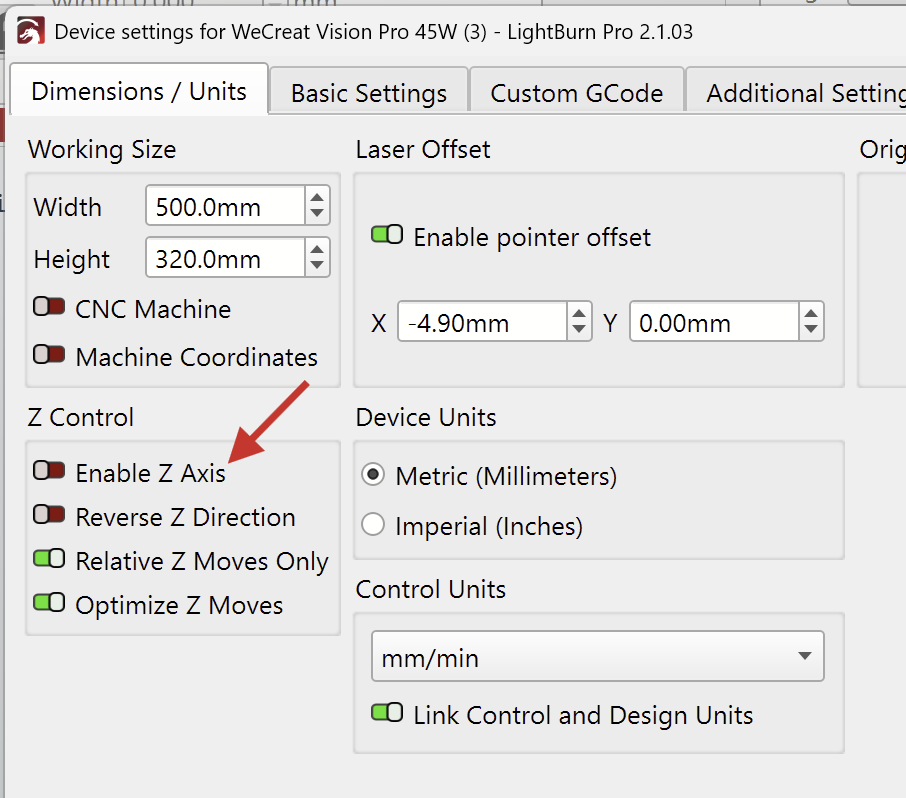
Are you using the “Focus Center” macro, and did the head move over the material when you clicked it?
Sometimes, the material can’t be detected. The Console window should display an error if that happens.
If you see any error messages, it would be helpful if you could send us a screenshot of them.
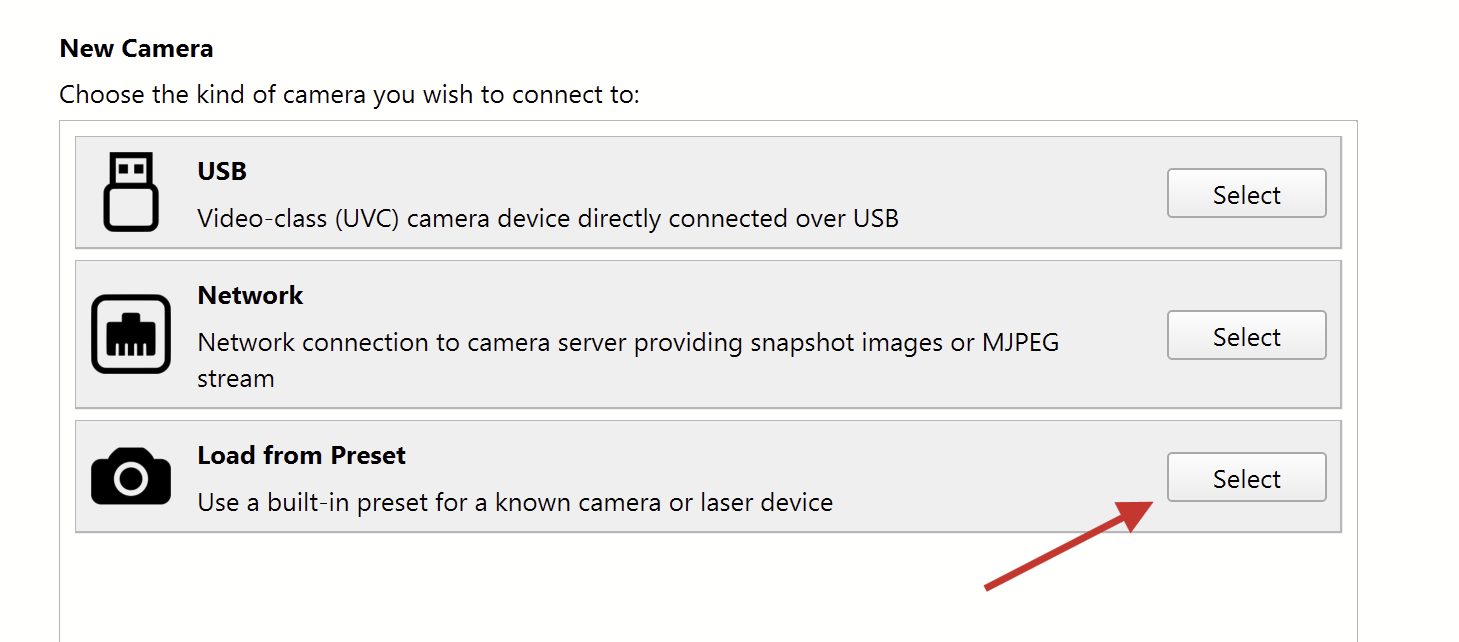

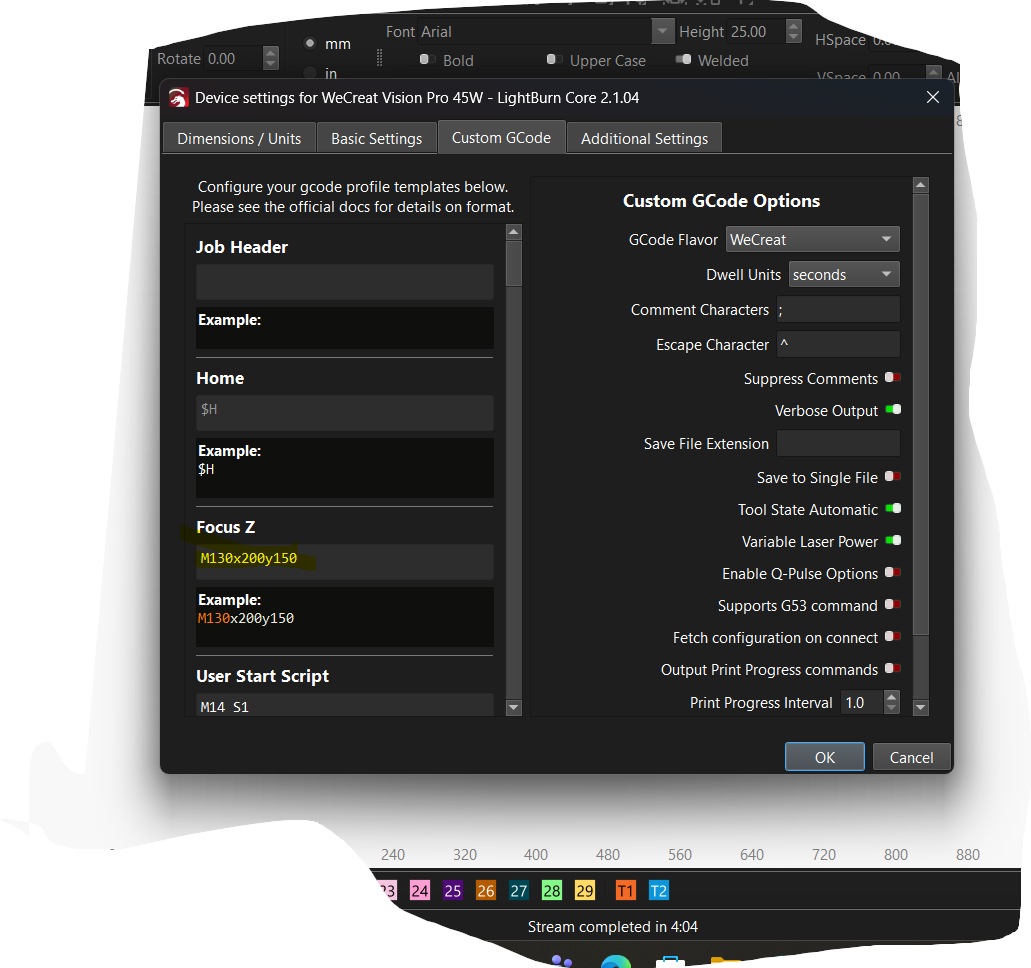
Sorry for my slow reply. My MAC could not handle the memory demands of my new machine, so I have had to transfer over to a Windows machine. I have set up as advised, yet the laser focus is still off. I have recalibrated at least four times. Pictures attached. This first shows my settings, the next shows what is to be a cut line…You can see some of the calibration standard to the right. The beam does not appear to be focused. Anything at less than 45$ power does not make a mark on the wood. I am using Birch plywood. Any suggestions would be helpful.
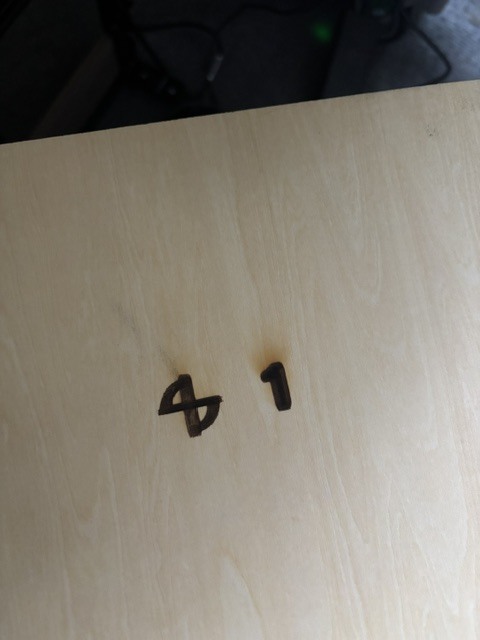
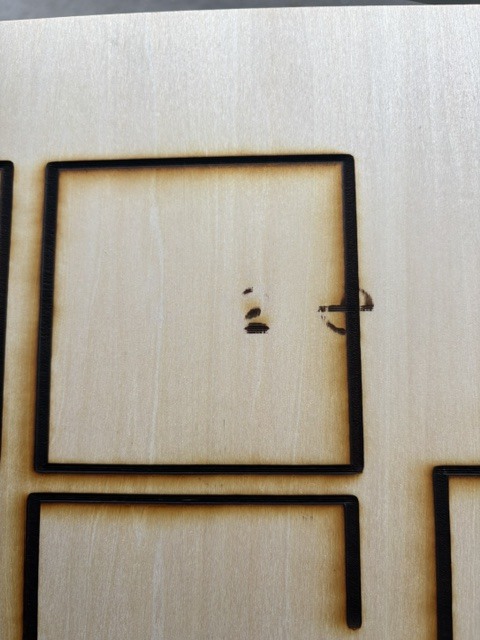
Absolutely. The cut line would be way finer.
Did you disable the Z-axis in the Device Settings, as suggested previously?
If it’s still enabled and you have a Z-Offset in the Cut Settings that would explain why it’s moving out of focus.
I see you’ve changed the “Focus-Z” GCode in the device settings to have it always probe in the middle. That should work, but it might require all capital letters for X and Y, like so:
M130X200Y150
Still:
Thanks, I will double check and get back to you….hopefulyy in 30 minutes
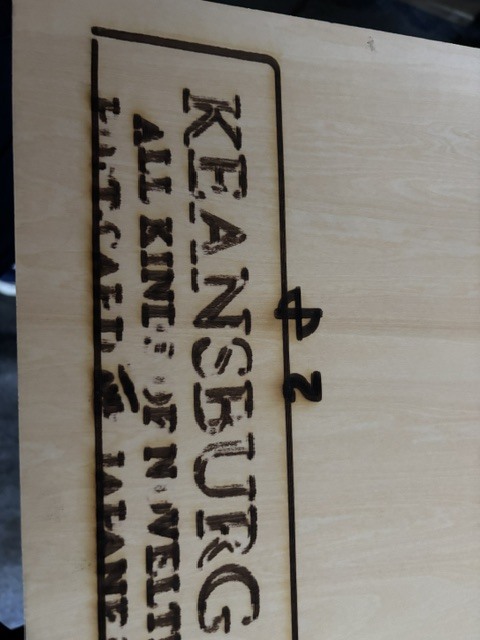

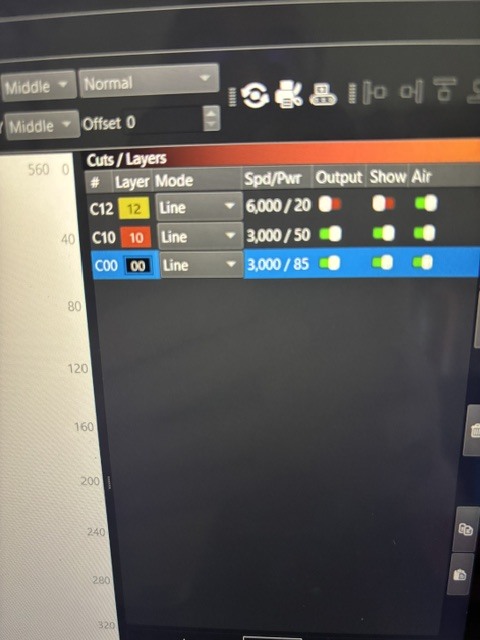
I also corrected the g-code!
So, you disabled the Z-Axis in the Device Settings here?
Does your customised Focus-Z GCode actually work, or do you see an error in the console when you initiate it?
It’s worth a try to lift your sheet of wood up a couple centimeters and performing another Focus-Z sequence. From the top of my head, the focus (material surface to nozzle) should be about 2cm.
Does the Z axis move up or down after you told it to focus?
Because: homing the machine moves the Z-Axis all the way up towards the limit switch.
Much better…I need to play with the speed and power. Is there a g-code to send the laser head to its origin… mine literally stops where it is at when complete
Aaron, I am back up and running! Thank you. The one thing I was not doing was hitting the focus button…which I did not know existed! My fault entirely, thanks for your help and patience!!!
In the Move window, Jog to where you want it to STOP after running a project. Then click on the Set Finish Position button. No need for GCode stuff, and it can be anywhere like in the back out of the way so you can unlist parts… 
Thanks! I will understand this software yet!, ,