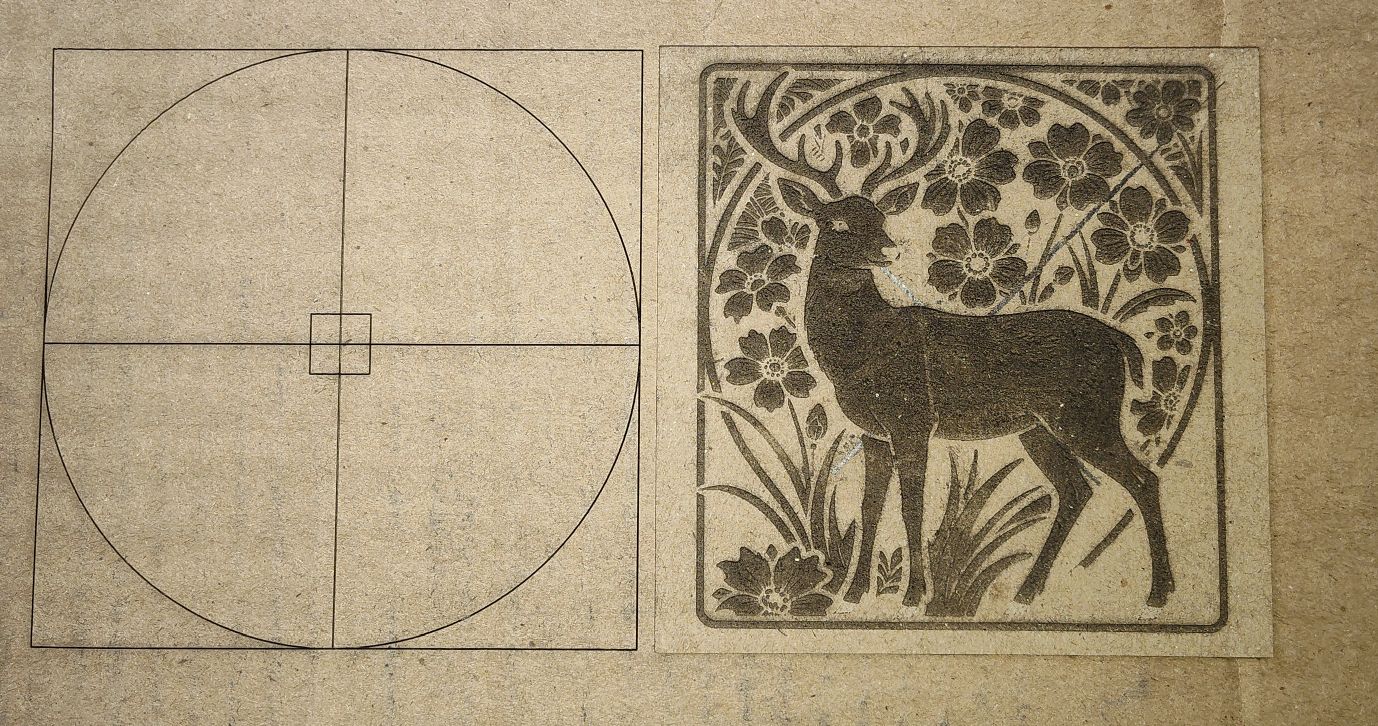
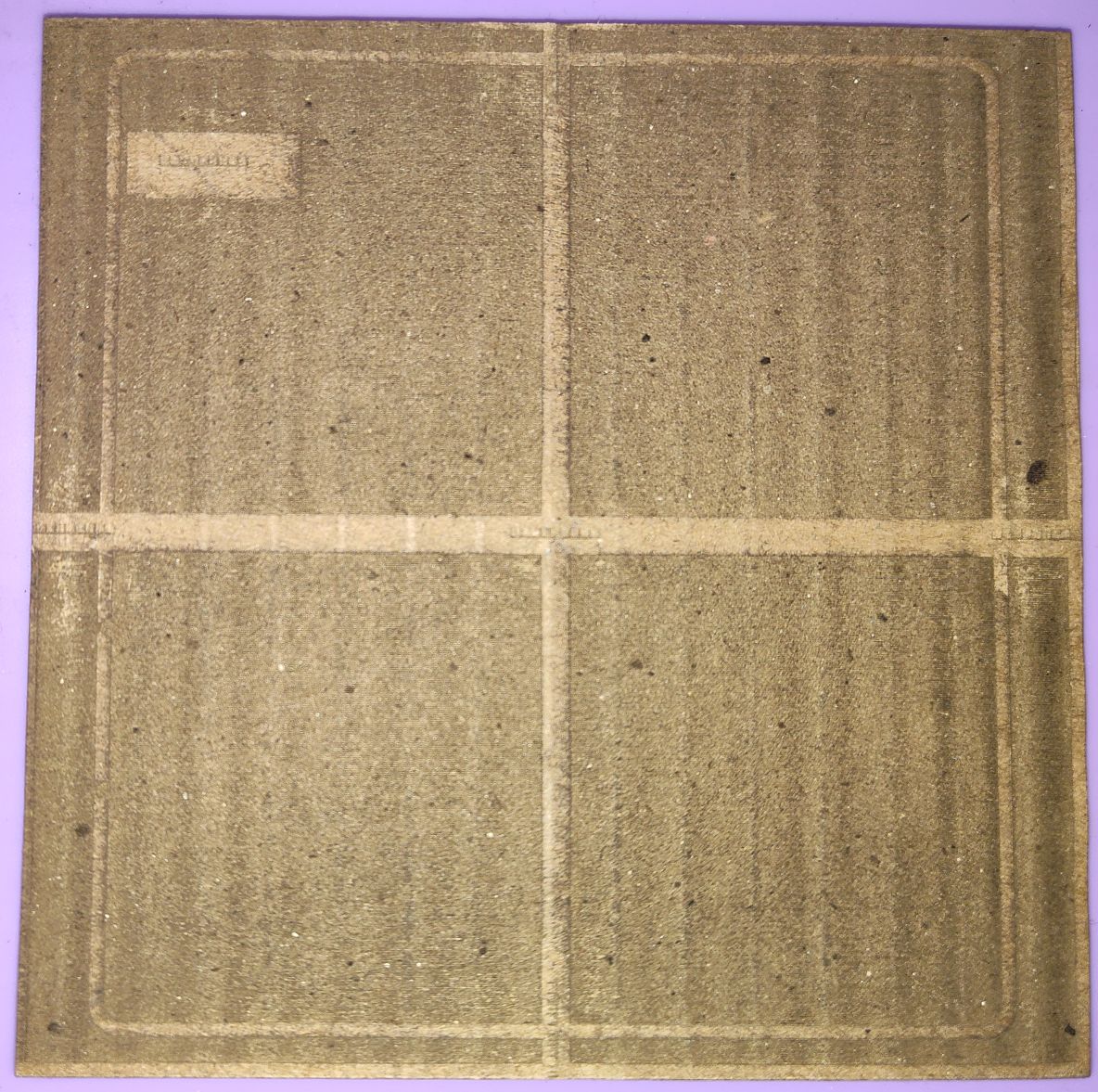
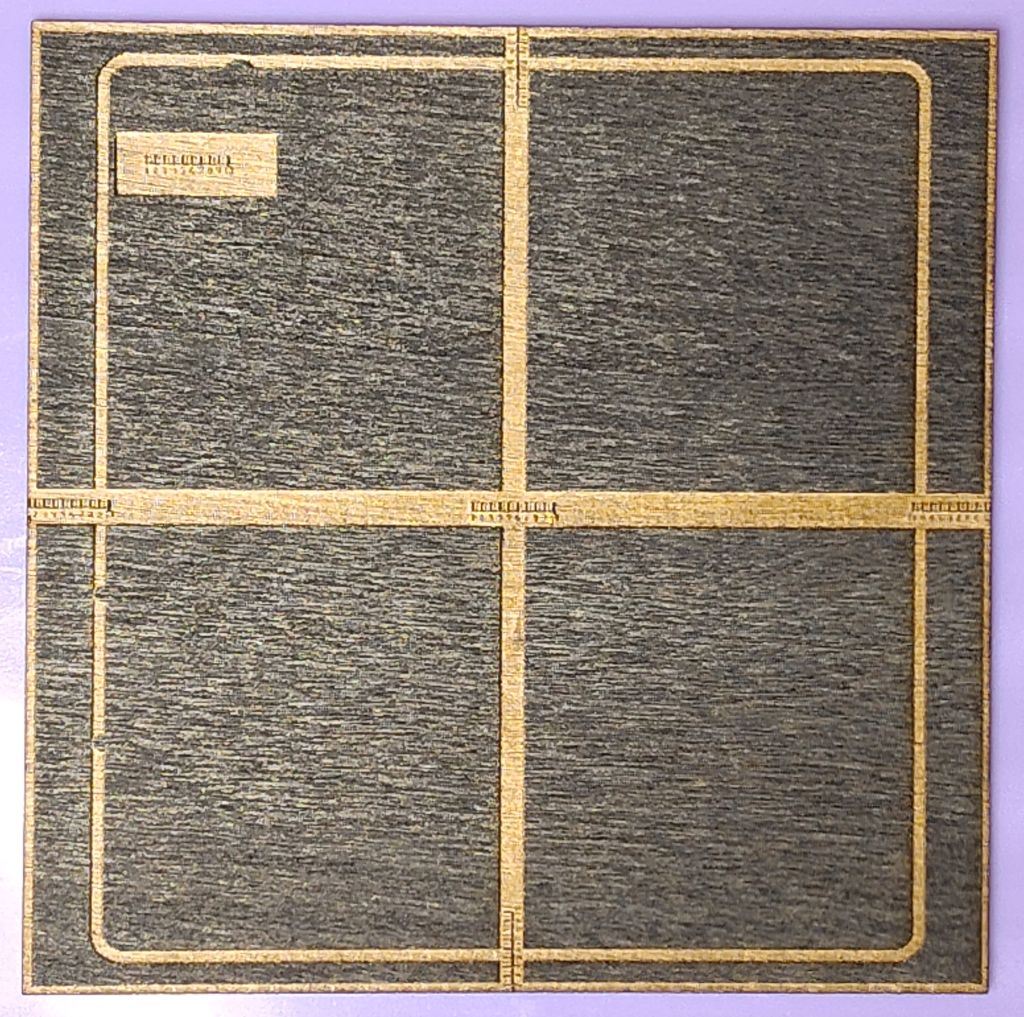
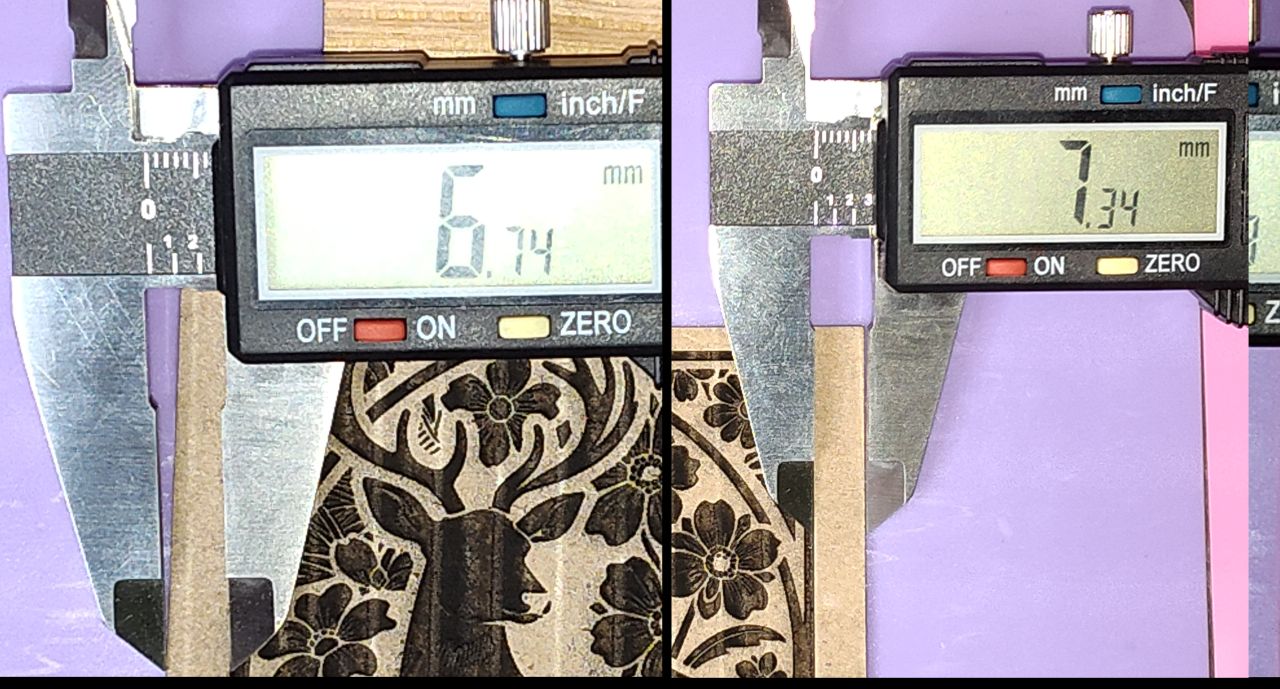
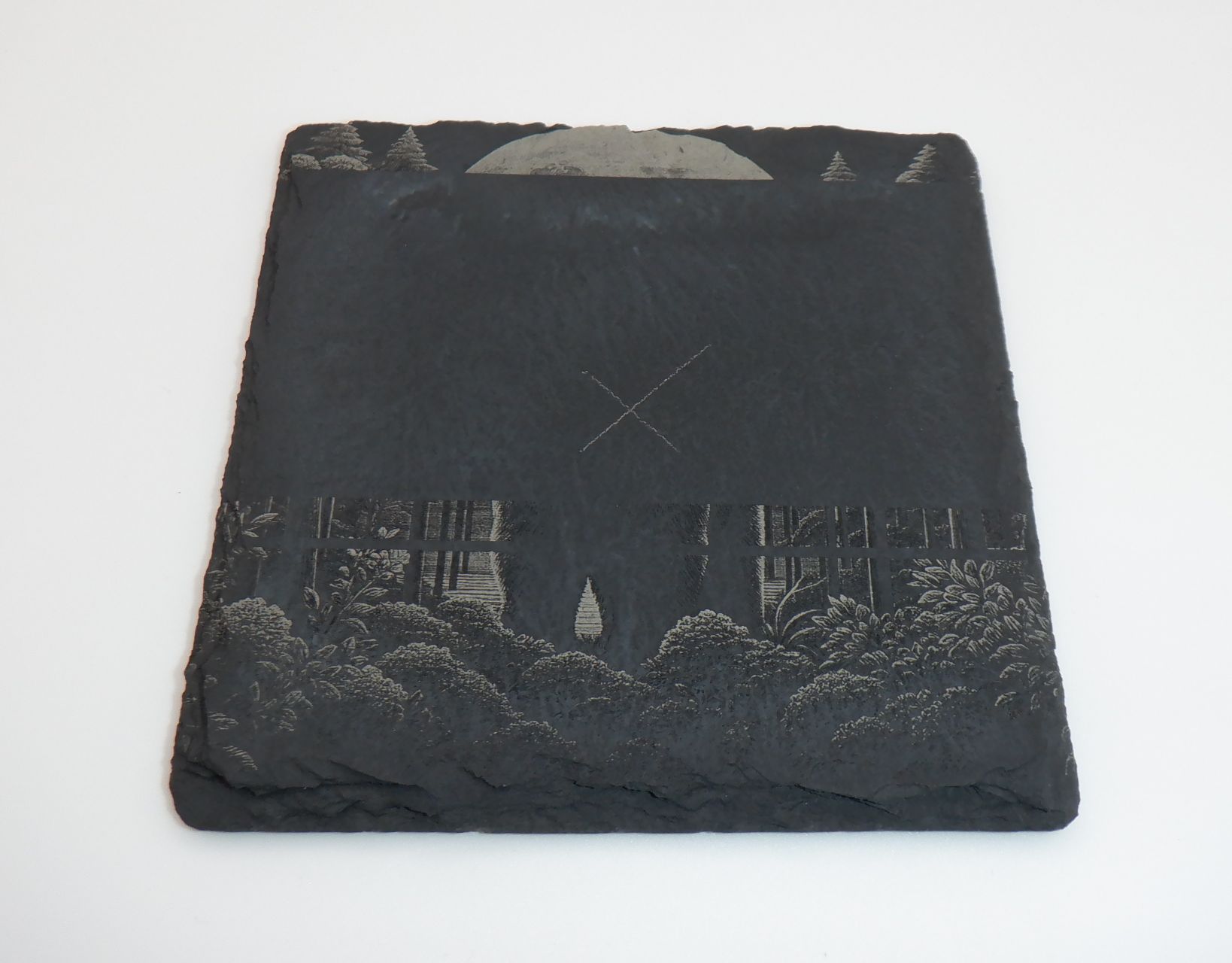
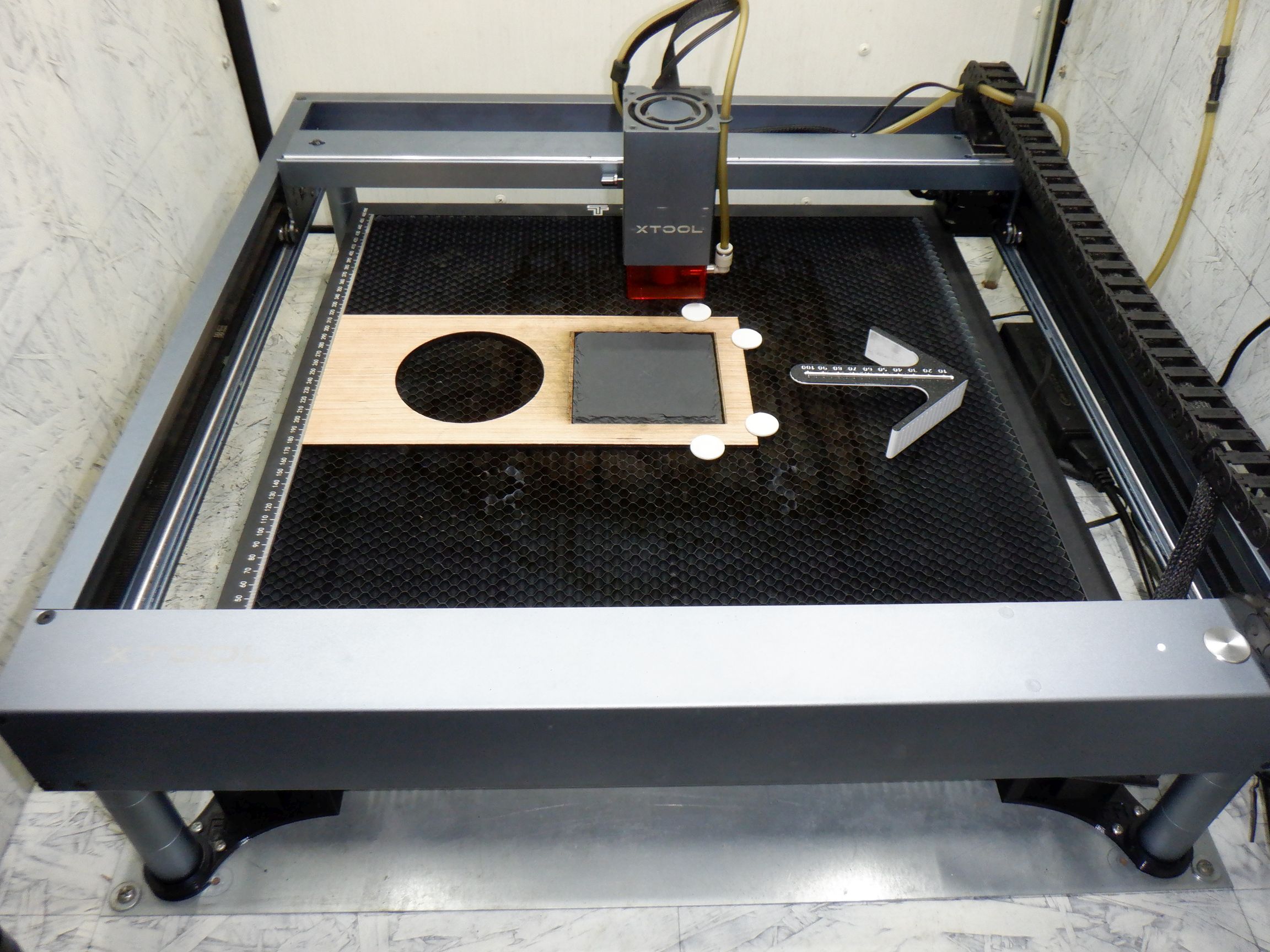
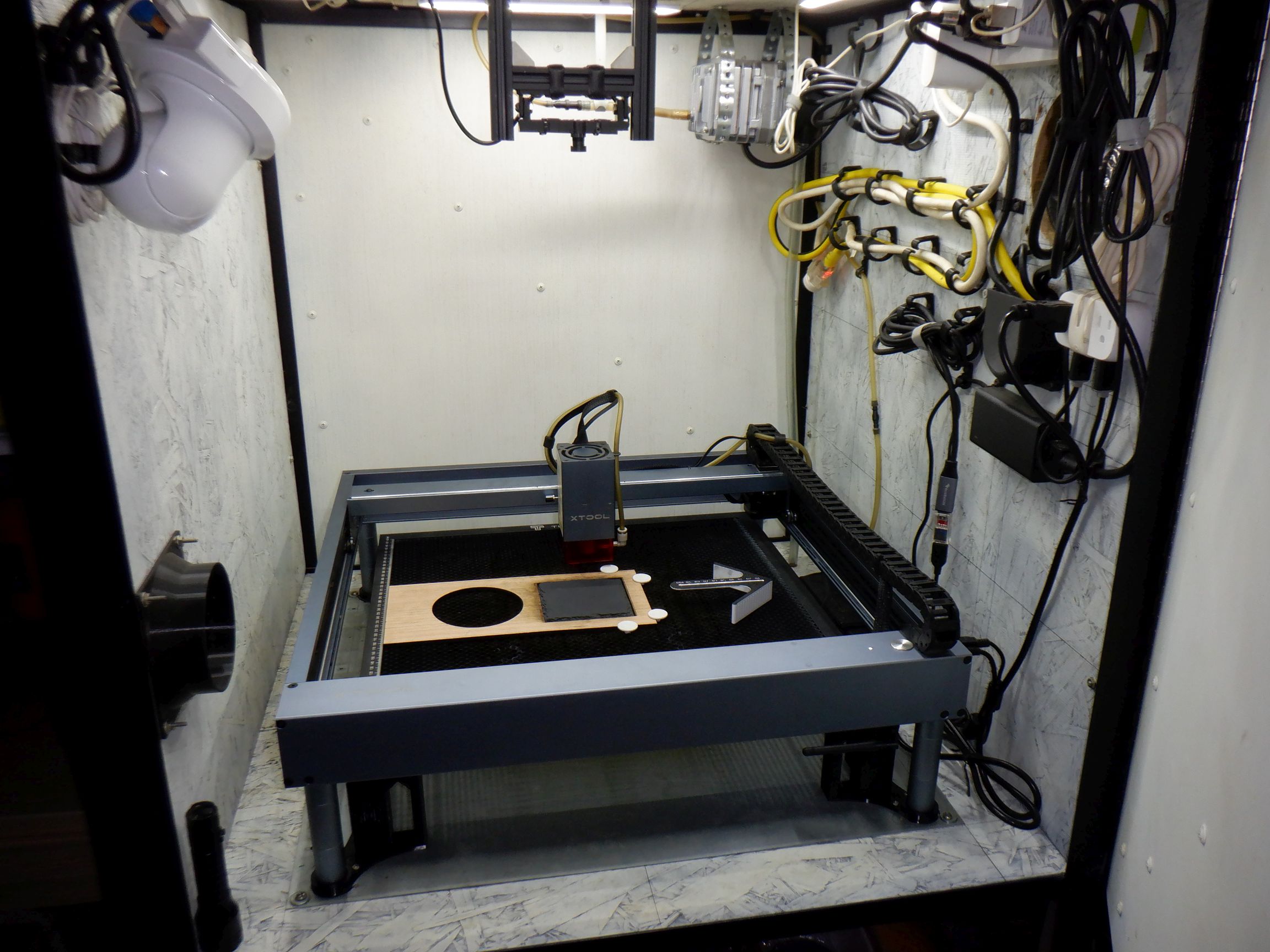
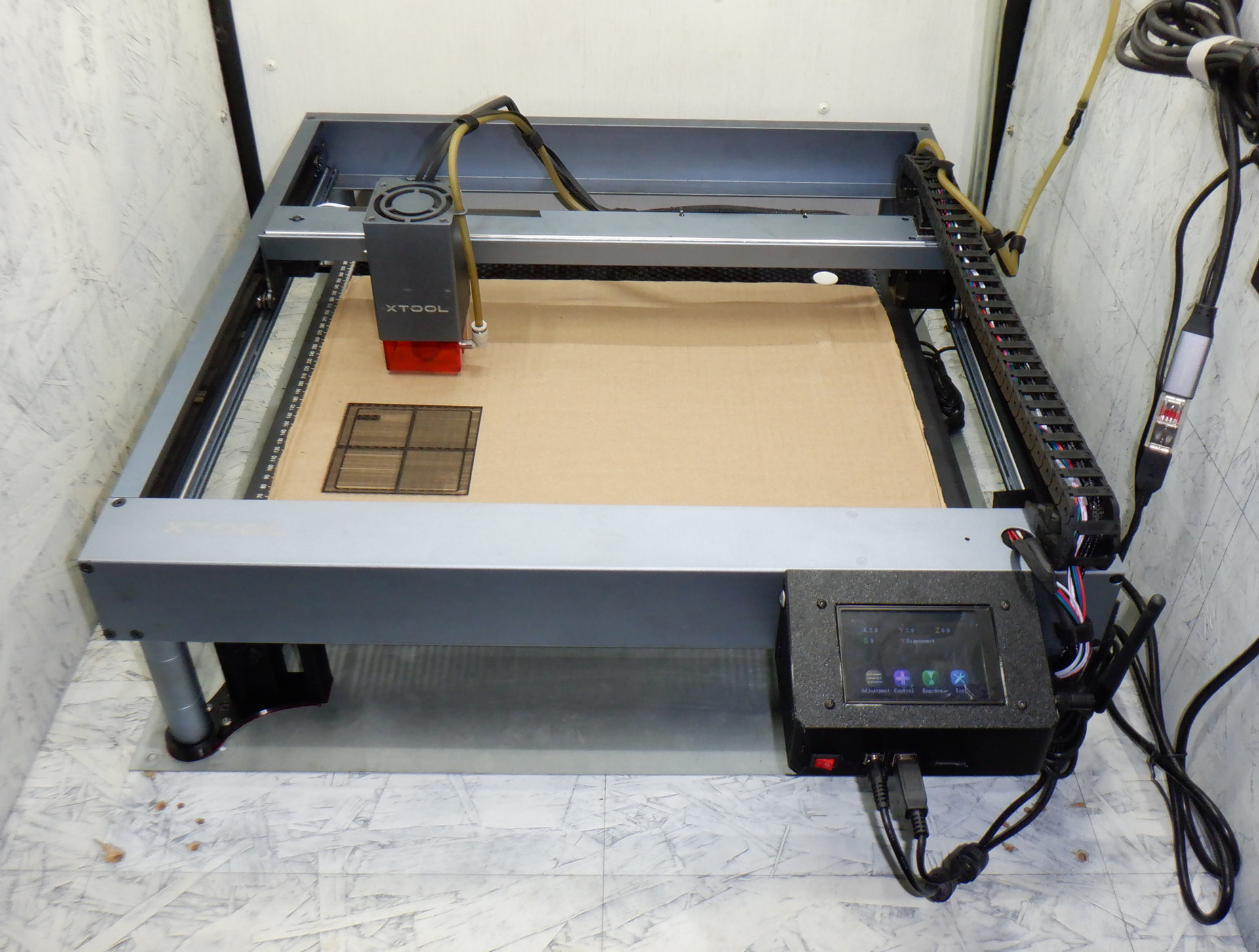
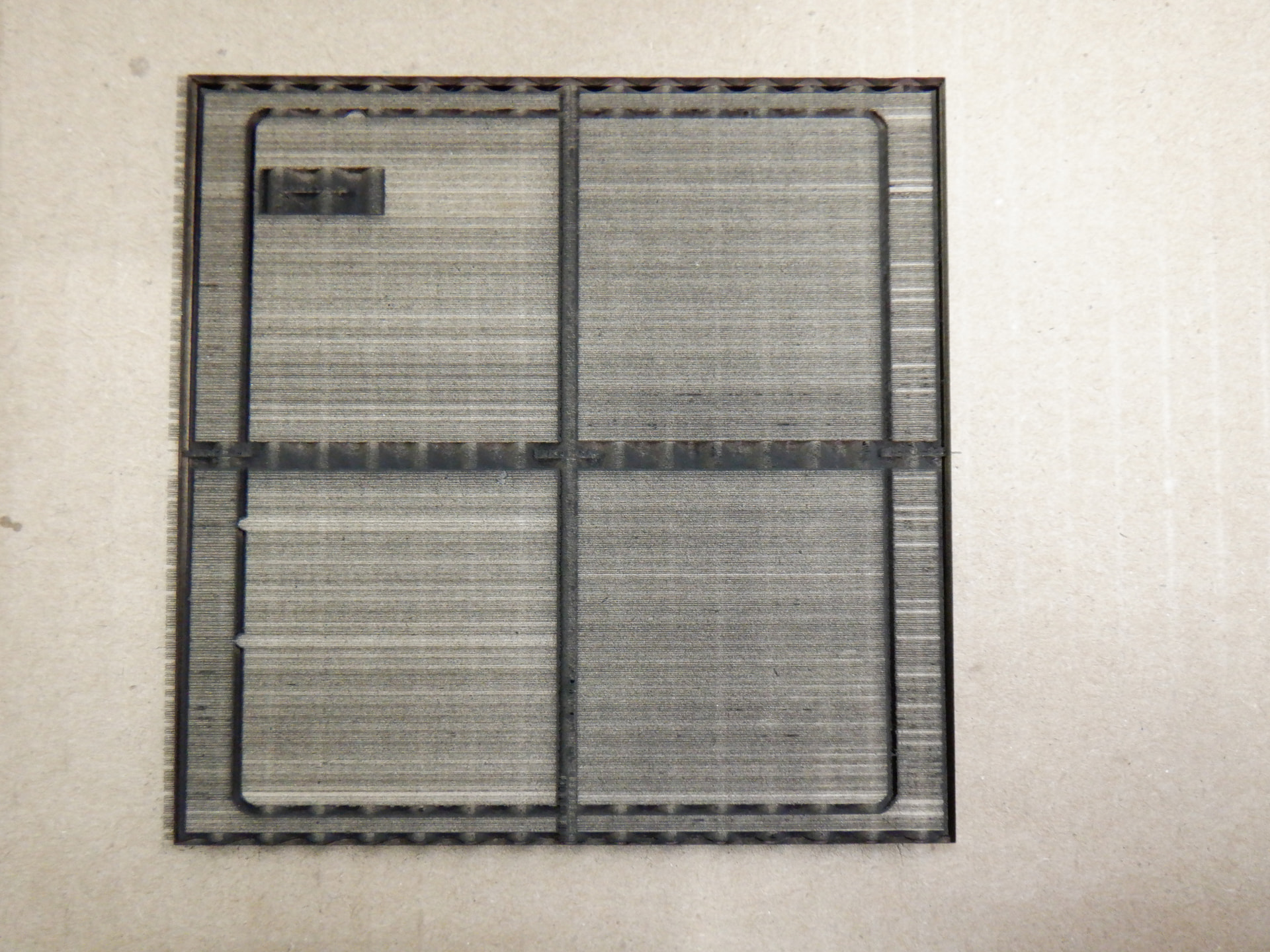
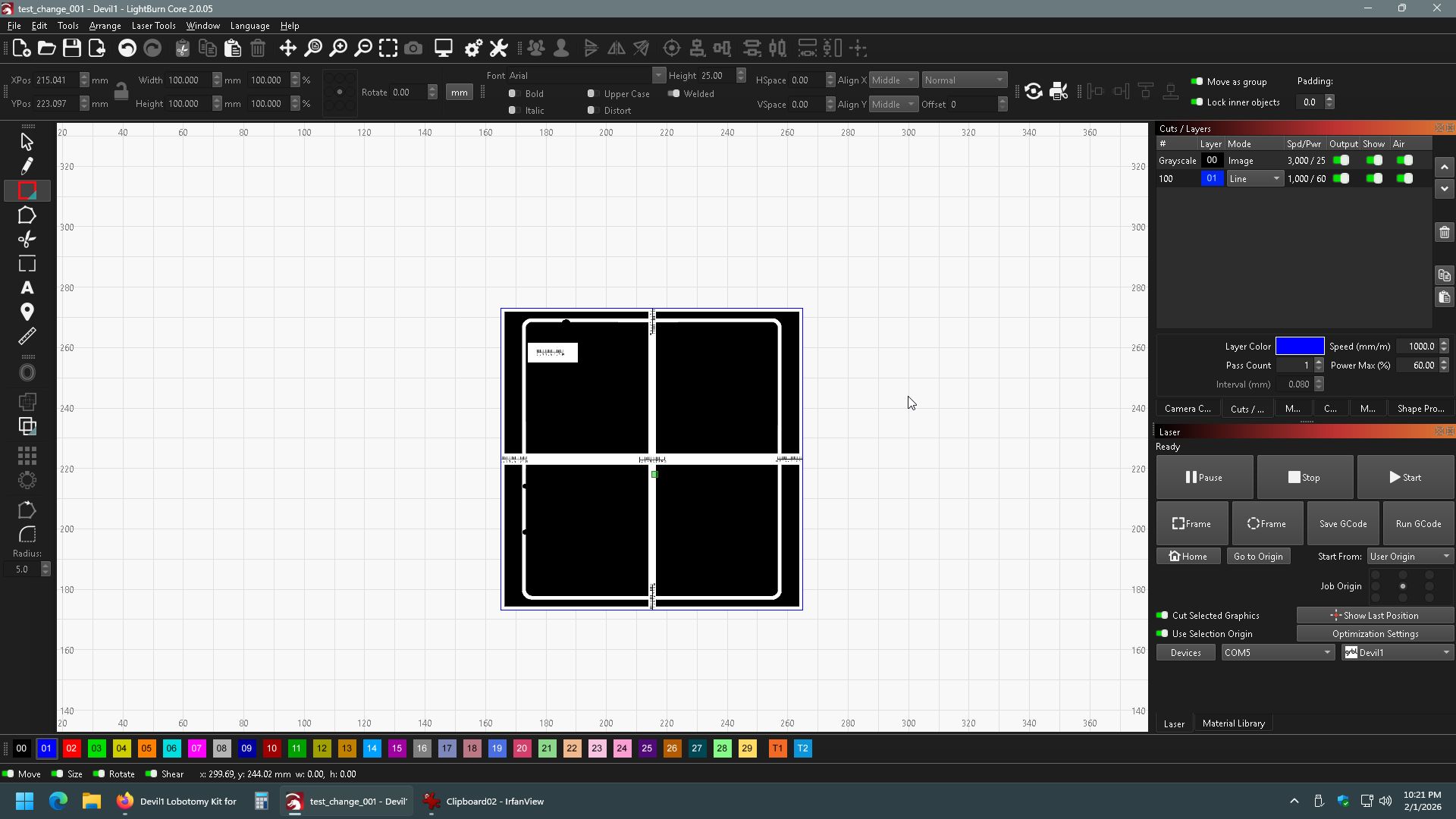
I have an old xTool D1, non pro unit, I got a long time ago, I upgraded it to a 20w laser shortly after getting it, I had only used it for cutting wood, and a few times for writing text on a panted metal surface, I had wanted to make some slate coasters to sell, but noticed a problem, the image was always shifted to the right and often up by just a few millimeters, so I did a bunch of Google searching and tried just about everything I could, here is a list of what I have tried:
I cleaned and re-greased the rails with silicone grease.
I took the laser fan out and cleaned it, BTW the 20W laser fan was a 60x60x20mm 24v 0.15A DC brushless fan Model: JHX6020B24.
The Y-Axis plate seems to have no looseness or play, and moves smoothly.
I checked the stepper pulleys, I loosened and re-tightened them, BTW they were all tight before I messed with them.
I tried different USB cables and USB ports on the computer.
I tried the (Calibrate Axis tool), my X-Axis was off by 1mm.
I took apart the X-Axis but could find no problems, the belt looked good, both of the the pulleys looked good, the stepper was a “42HD2036-10” from GoldenMotor that was said on reddit to be (42HD2036-10= 42 Series, 42mm X 42mm X 34mm, Hybrid Socket Type Class B Stepper /w 1.8deg step angle, 3 Volt 1.5 Amp, 280 mNm torque).
I got a “Honeycomb Center Jig” to keep the Honeycomb bed in the same exact place.
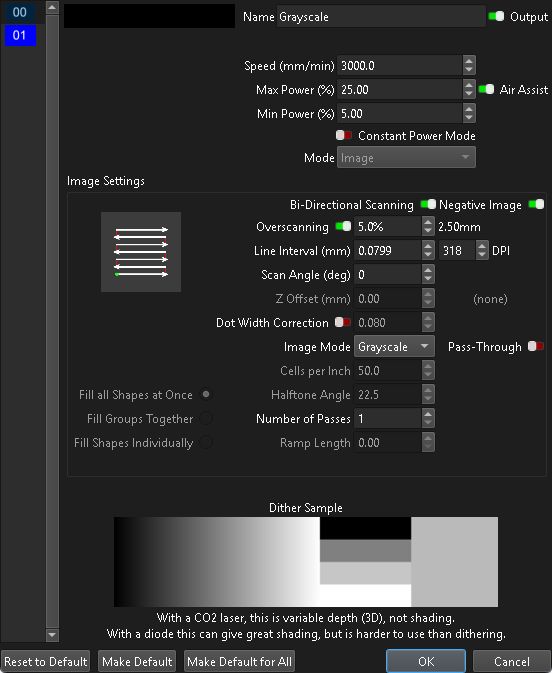
I had noticed that sometimes the laser engraver was making a stuttering sound, so I slowed the engraving to 150mm/s and that stopped the stuttering.
I tried aiming with the laser at 1% power and not the cross hair, but the engraving was still shifted.
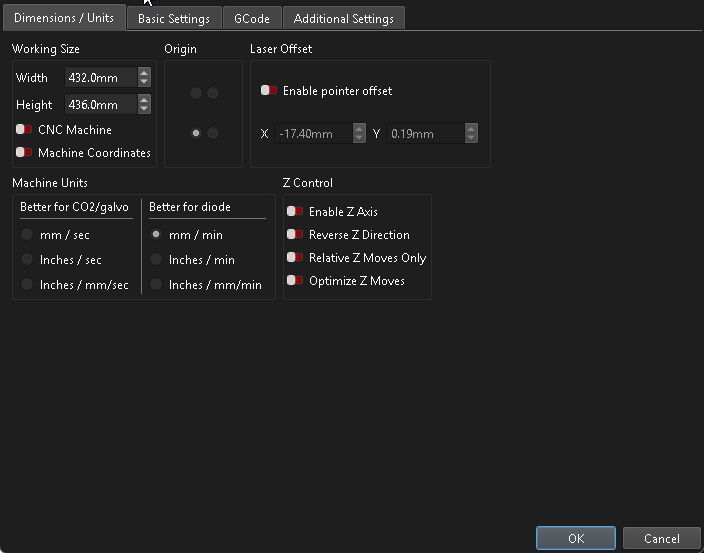
I found the cross hair alignment was off, it was (X) -16.00MM and (Y) 0.00mm, but I had to set it to (X) -17.40MM and (Y) +0.19mm.
The image I was trying to engrave was slightly off, so I fixed it, however it still engraved shifted.
I tried a USB ground loop blocker, no help.
I tried using the xTool laser software, it does the same thing.
I formatted the xTool 8GB SD card on my Windows 11 PC to FAT32, and replacing the SD card, did not help.
I tried WiFi with the xTool laser software, did not help.
I replaced the X-Axis motor with one from an old Monoprice 3D printer I tore apart a few years ago, did not help.
I 3D printed a belt tension gauge, and it appears that my belts are all within the correct range.
I loosened every screw on the xTool D1 frame and used a carpenters square to make sure the frame was square, did not help.
I loosened the pulleys that drive the Y-Axis and made sure it was square to the frame, did not help.
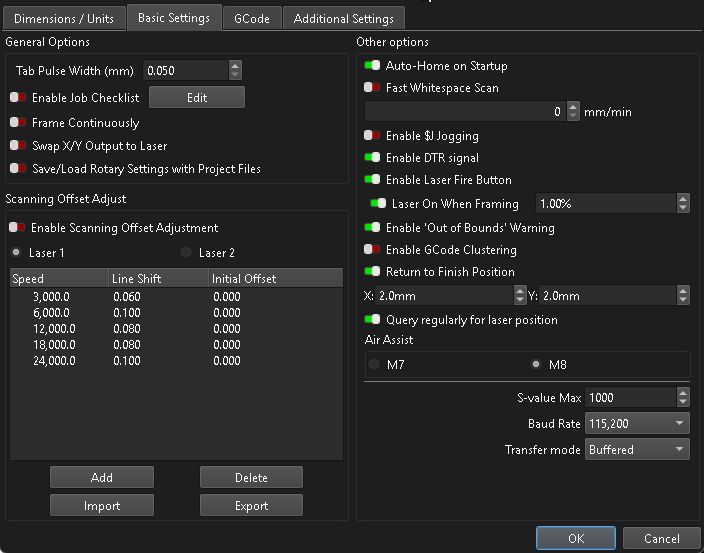
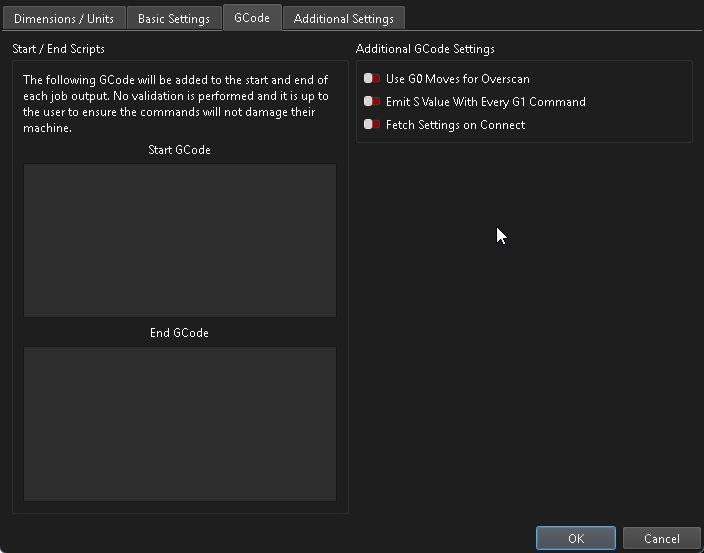
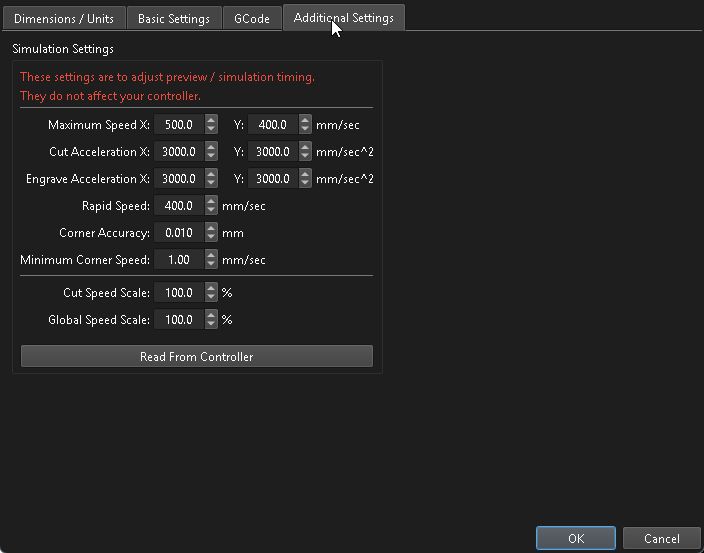
And before you ask, yes I am using the file LightBurn configuration file provided by xTool, (xTool-D1-V2.lbdev.)
Any ides to try next, I think I have covered all my bases, belts, pulleys, frames, all seem just fine.