It happened the 1st time 2 weeks ago & I tried many different settings, including Enable Scanning Offset Adjustment, on different media. I don’t know if I fixed the laser or if it fixed itself. But it has been working great for 3 days, but now it’s back.
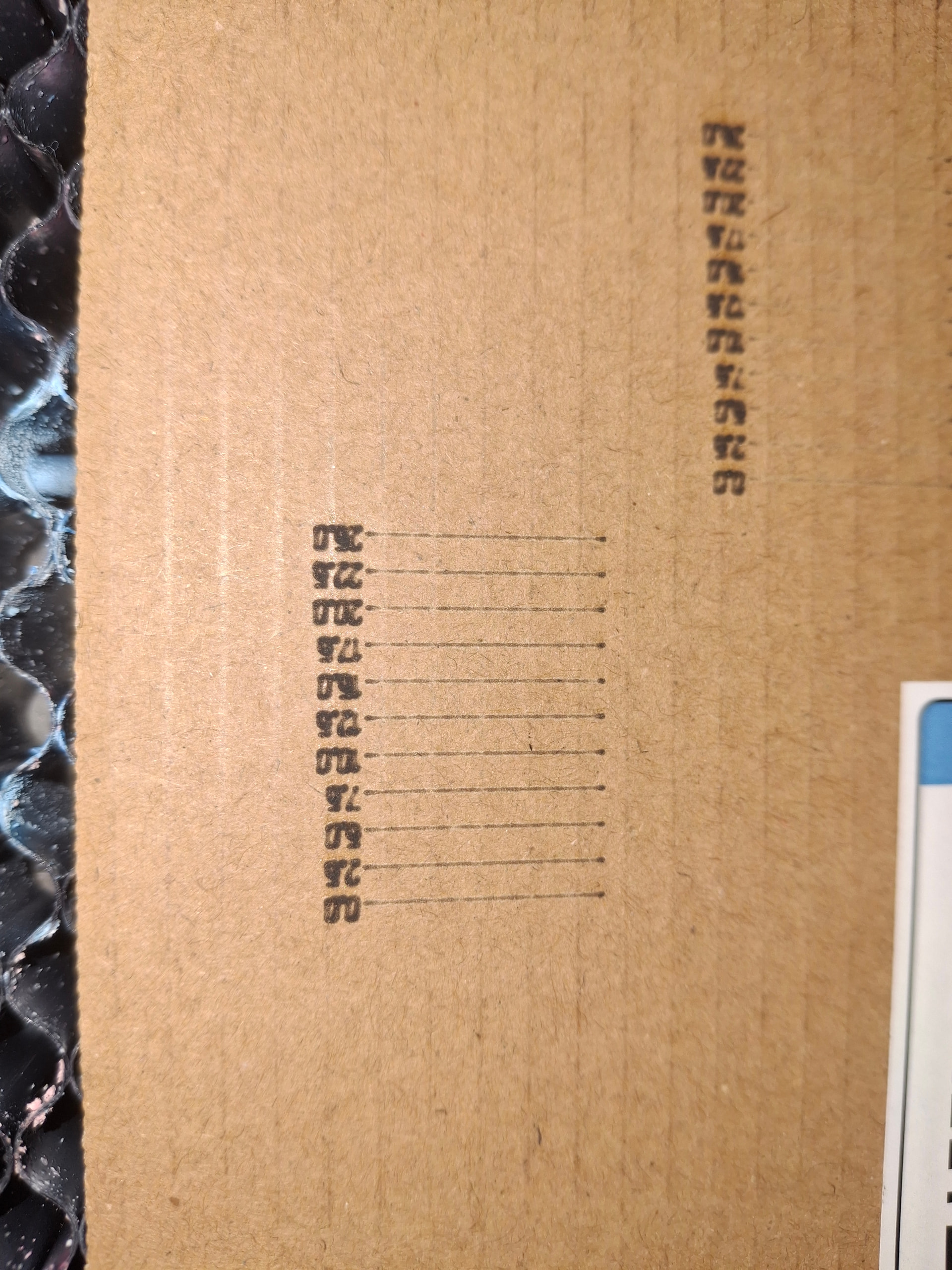
I was in at the end of engraving 7 plastic labels, each with small changes in speed / power / interval settings to find the best setting. The last label was disaster, the text was fuzzy & the cut line was 1mm thick. B
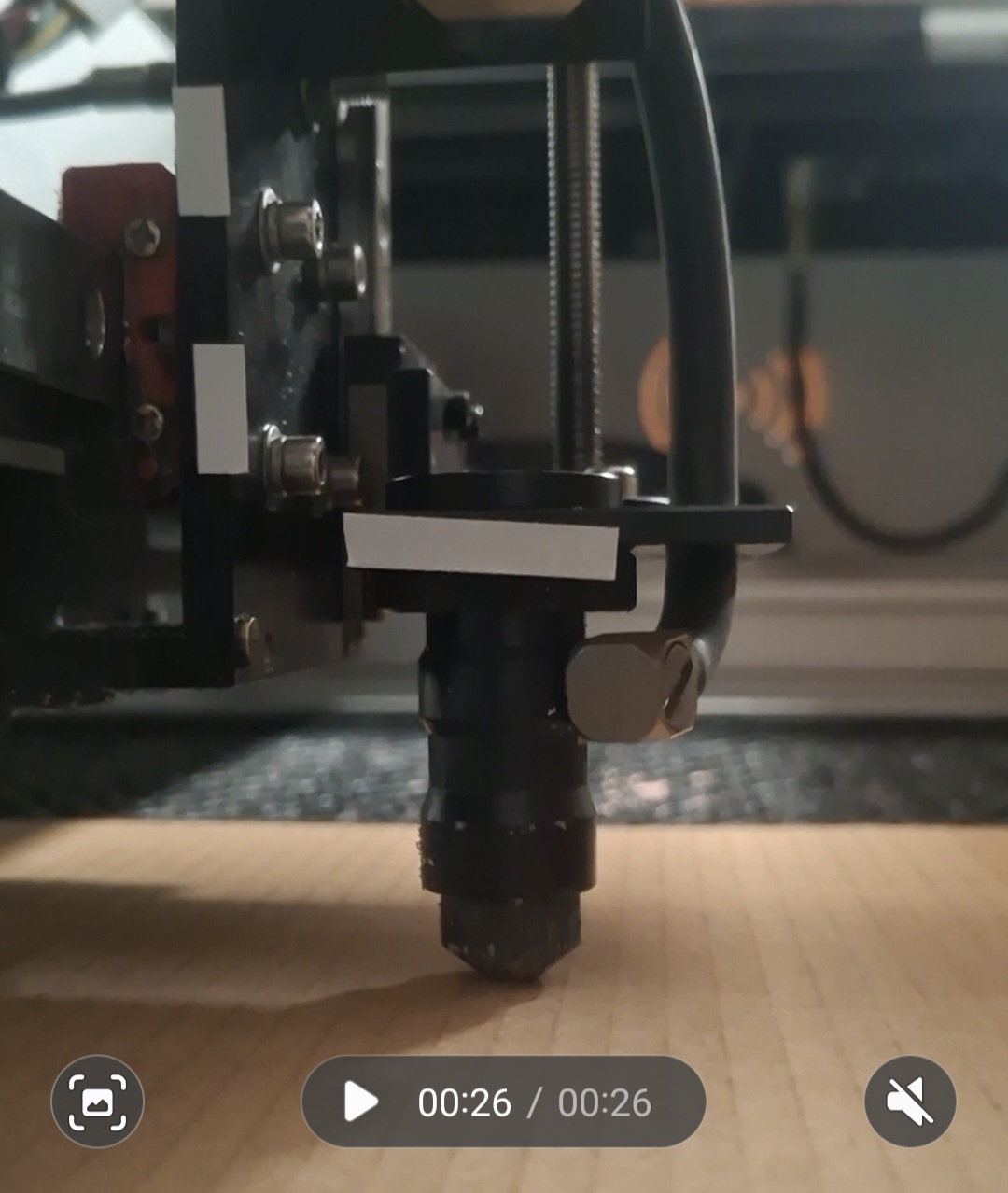
I think the head stays up high or crashes into the honeycomb. I can spin the tread up & down freely when machine is off.
On start up when head is home, I think I hear the step motor trying to come up more, but the head is already up. Sometimes on start up when the head is in the middle of work area, it crashes into the honeycomb. All setting have been checked.
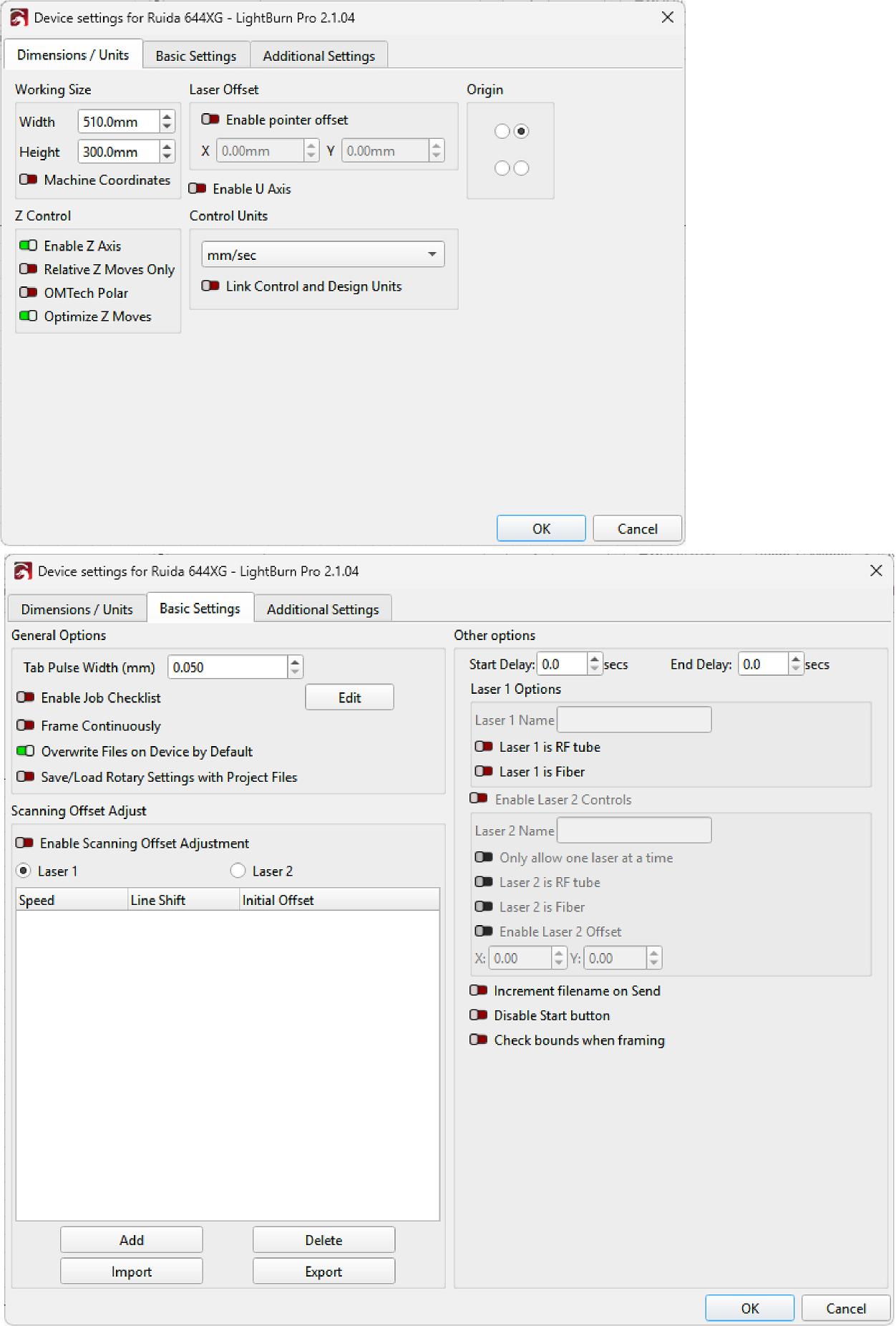
Devices, we normally use Ruida 644XG & it worked.
I’ve loaded the laser again, Ruida 6640_Y-Cloud, is found, when selected no input for Material thickness.
The first thing I’d do is take LightBurn and USB out of the equation.
Power the Gweike off, disconnect the controller USB cable from the computer, then power the machine back on. Does the Z axis still try to drive beyond its home position or crash toward the bed?
If it does, that points to a machine/Z homing or sensing problem rather than LightBurn.
On start up, the head crashed (photo) & I turned the laser off to stop the head dragging on the honeycomb.
I’m thinking it’s a hardware or firmware issue as the head will not find Z home. If the head is low on power on, it might crash, if it’s too high, the step motor sounds like it struggling to adjust on startup.
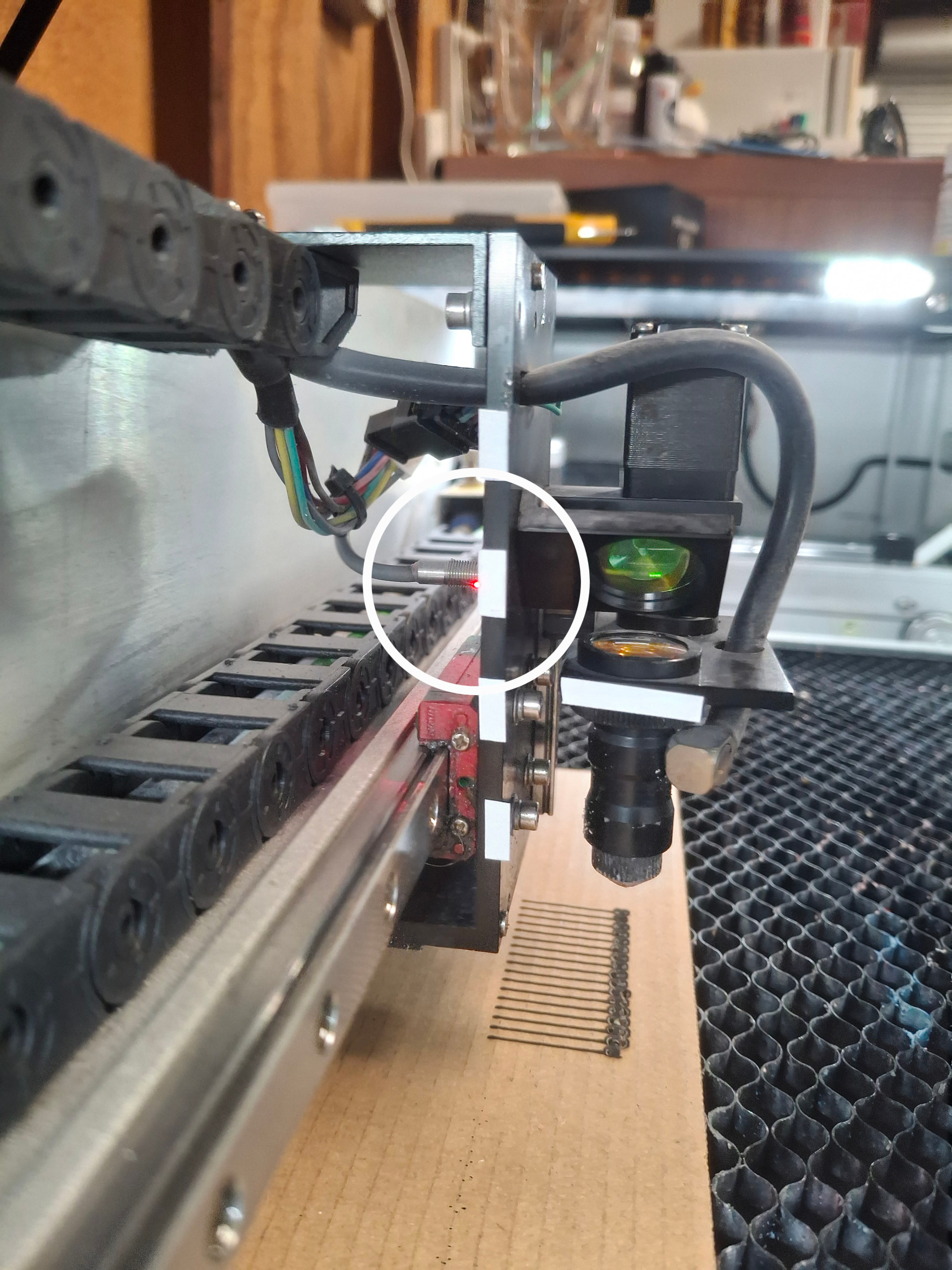
In Lightburn I did several Focus Tests (photo), they all look the same & the head looks like it’s staying at the same height, but on the last test the head moved up & the red LED came on (photo). I don’t know what the red LED means.