Cutting hand tool outlines in form to hold tools in place in a tool box

I am trying to cut outlines of hand tools, etc. in foam to hold the tools in place in my tool box. I have been trying everything in LightBurn software to get this to work for days with no success!

I am taking pictures of the items and saving as a .jpg, then importing it into LightBurn. I am able to resize it to full scale, but cannot figure out how to just outline the tool without all the background clutter, so it just cuts around the tool profile. I would like to be able to import multiple tool images into the same LightBurn file so I can adjust where I want to cut the tool(s) outlines into the foam. I am so frustrated with this and any help is appreciated!
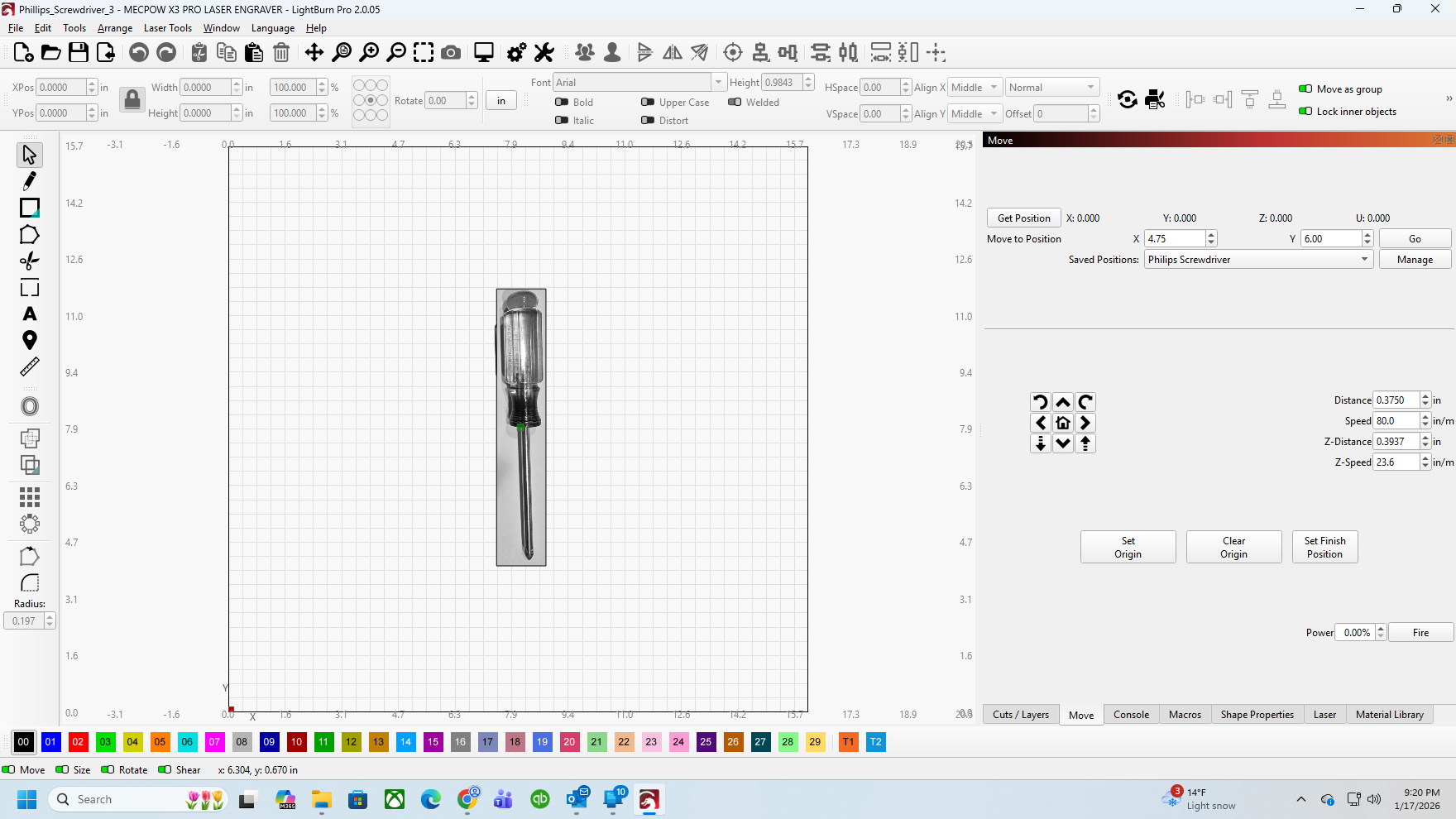
Here are my basics

  1. MECPOW X3 PRO 10W laser engraver/cutter
    • Connected via USB Cable
    • Grbl
  2. Computer Specs:
    • AMD Ryzen 5 7600X (4.7GHz) Processor
    • Gigabyte B650M C V3 Motherboard
    • 16GB DDR5-6000 RAM
    • Windows 11 Pro
  3. LightBurn Pro Ver. 2.0.05 (30-Day Trial)

Thanks for your help!

Use the TRACE command on the image to get a vector (object) outline.

Ungroup the new object.

Select and delete the unwanted boundary lines.

Now you have a tool path for the laser to follow.

1 Like

Hi.

Basically what @JimNM said.

If You want/need more detailed instructions, there was this:

thorough thread about the very subject a while back.

And a shorter one:

a few days ago.

Regards,
Sam

:finland:

1 Like