In the long run, I think we are stuck with some sort of dithering.
I’m sure there is a special term for lifting the grain and sanding, and repeat. I think for a finished piece before moving on to the next masterpiece, the cost of a nice piece of wood is acceptable.
That’s your best yet Jay. Really nice up around the front of the car (lights, wheels, engine etc) and back along it’s length. I would look right past that grain issue until you find material worthy of it.
Did you Dither or greyscale.
I do not think that is a solution. The grain is harder than the not-grain (proper term?) and the laser tends to burn less than it does in the softer areas.
I’m almost certain the term for this ply/wood surface working was mentioned here on the forum and the strange thing is I heard it used in a TV program that same week. Never heard it before or since…like a word only a tradesman or artisan would use. I meant to look it up was too busy with cameras and slate at the time.
Anyway, I guess it just a quick sanding for the practice ply and a reasonable investment for a quality finish.
2 Likes
I searched and the best I could do was “heartwood”.
I like to do the “cloth test” - if it sticks to the wood fibers, then the material needs some sandpaper first.
1 Like
That was all grayscale no ditherallowed. I think I have hit in the rirght settings. Mission accomplished, it can be done.
My motto. “Given enough time and beer you can do anything”.
1 Like
Heard, heard…It should hang over everyone’s workshop door !
Pith is the very center of a tree, the there is the heart wood which is the harder part, next is the sapwood which is softer. The cambium layer is the part that grows new wood, next is the inner bark, then the outer bark.
The it get down to how it is cut.
Commmercial plywood is peeled from the log. Furiiture great, the veneer is sliced from the log and edgeglued for the outer surface, and a repeating pattern
Then there are different ways of cutting the log in order the either desired grain patterns example:(quartersawn white oak). Plain cut/flatsawn (construction), and rift cut (there is no grain at all).
Most of which are a woodworkers nightmare at some point in every project.
1 Like
Thanks for this info. I knew there were different ways, but had no idea there were specific styles.
Yes, that’s great news about the greyscale…but is the mission truly complete! I noticed up at the old spooky mansion, there may be a little loss of detail.
Problem is in order to get that last little bit of detail will screwup the other areas. I blame it all on the wood.
Working on other grayscale ideas.
I may run a dithered sample just for comparison.
Hopefully there is a bottom to this rabbit hole, but I fear that the is going to be spin-offs, I keep looking for Alice. I want some of those mushrooms .
.
1 Like
I was thinking about this yesterday but thought you deserved to bask in the glory a bit before mentioning it..LOL.
I was considering that the intention was to reduce the workload in prepping an image and cutting down on the materials/time used while adjusting settings for a given material type/batch.
As we can see, the settings are set, the material type is understood, and the image is optimised. The settings that suit the main subject in the image are not variable and this means other objects suffer a poorer rendition (mansion or tree for eg). Could the object that needs improvement be removed from the picture, optimised and given its own settings and placed on its own layer.
In LB and-or other, I was thinking masking and feathering and opacity or stacking images.
Everything you suggested can be done with trace image and masking, but it isn’t worth all the trouble. Every area could be done, but that snot my objective. I want a standardized setting that can be tweaked a little and give good settings.
I did that with a family picture that I scanned with my 30 year old epson scanner. I adjusted the image with my settings and did a minor adjustment and got pretty good results first go.
I don’t think that doing any of this on wood is a good choice. I will keep posting stuff
I tried something yesterday. That was to use my setting, but changed grayscale to Stuki.
6 of 1 and a half dozen the other.
Still on basswood. Grain still shows up.
It is probably easier to get dither to work, because you just need to control power and speed. 317 DPI.
Frankly I don’t see any real difference. Stuki may be a little sharper.
Stuki, not as bright.
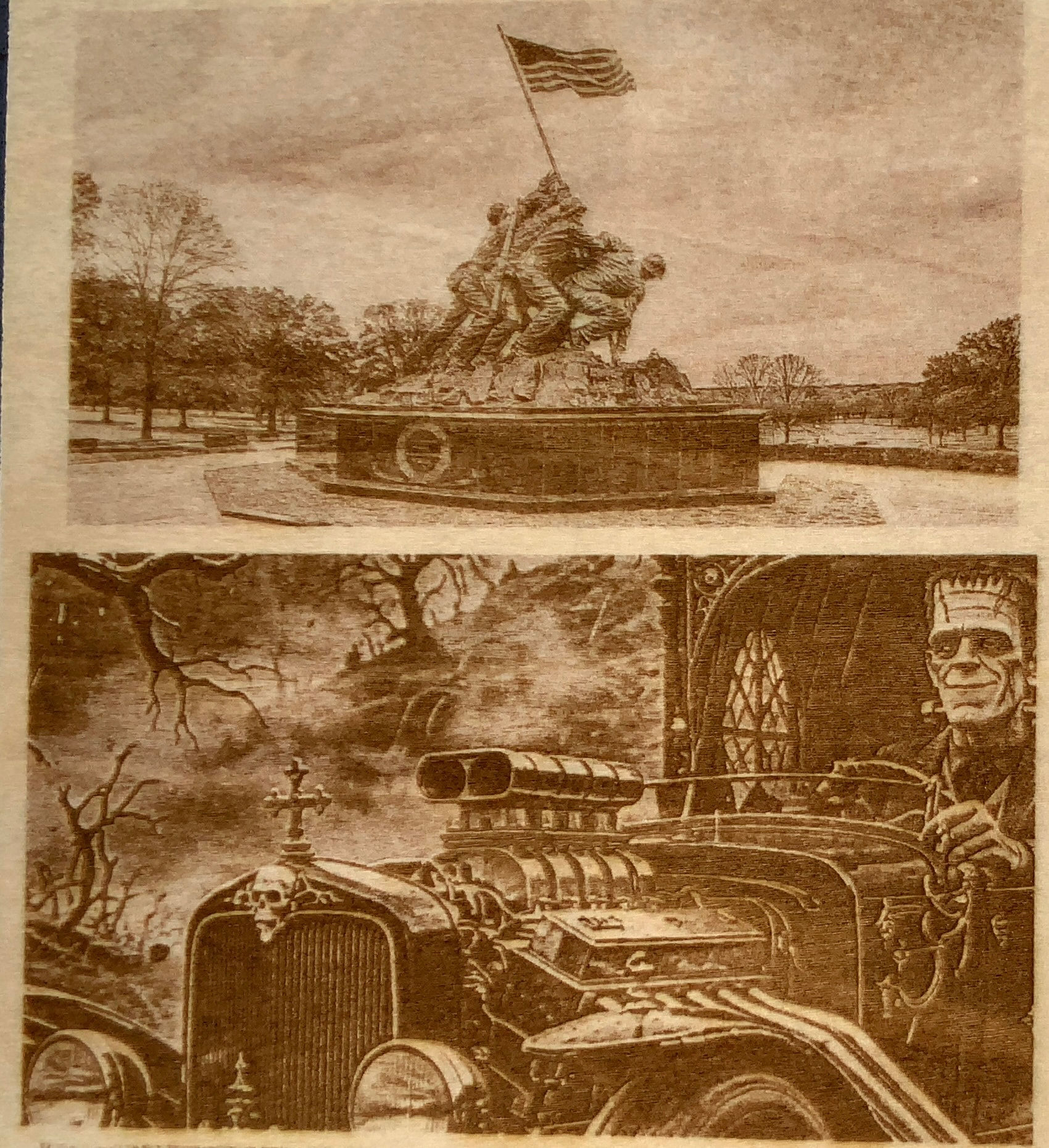
Grayscale
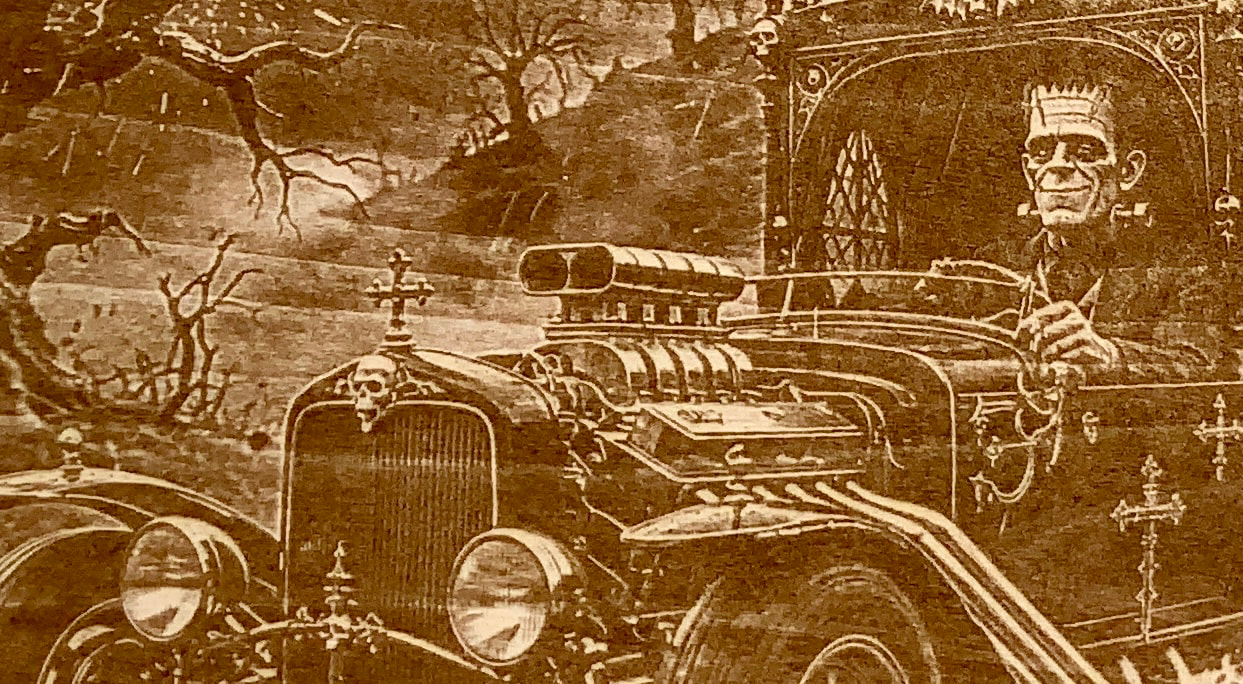
Definitely where the grain is heavy it’s noticeable and not really for finished work, But apart from that, to have the greyscale look as good as the dither is good and will certainly come into play at some stage for future makings.
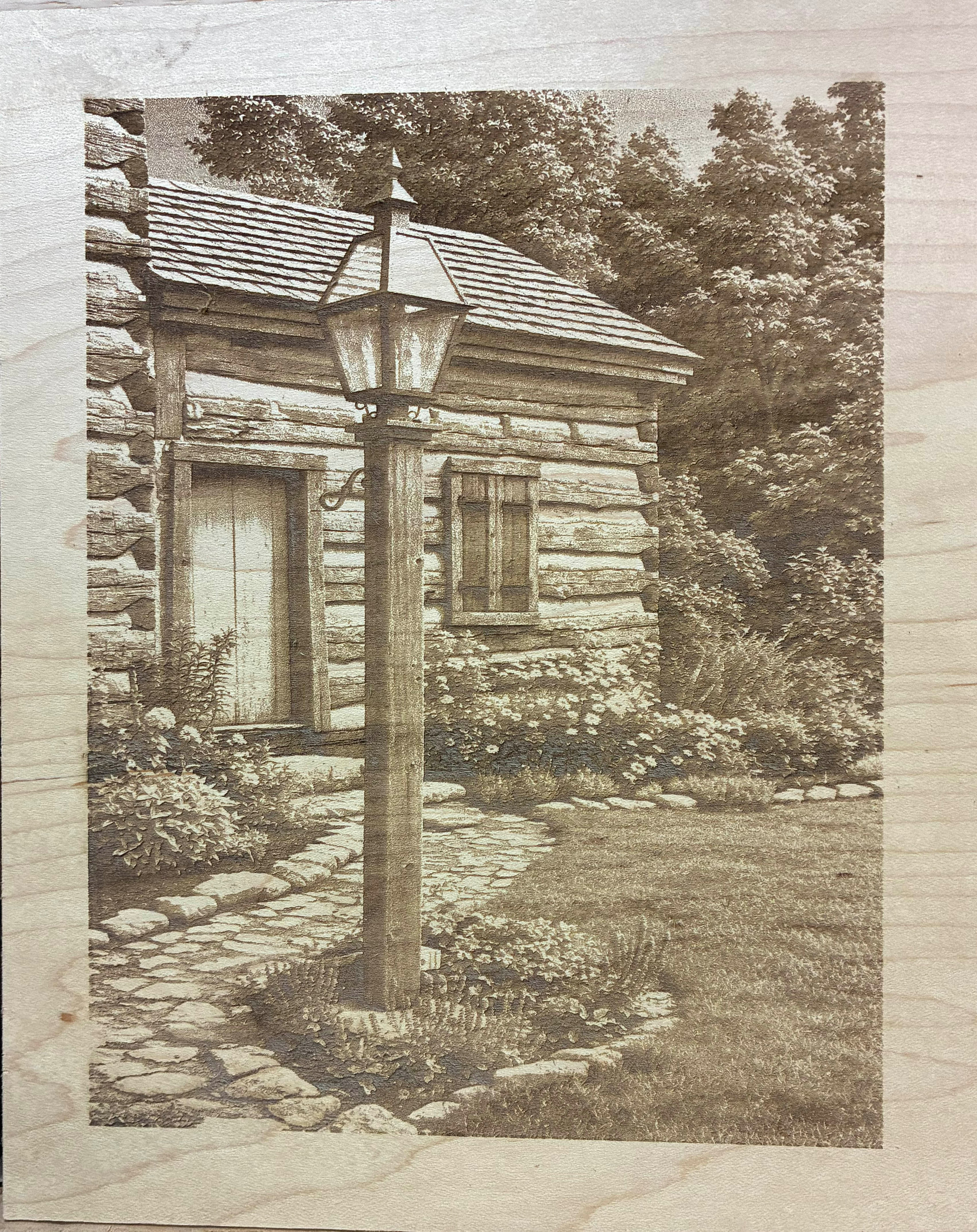
Looks great you can see the depth,and the trees look further back. The biggest effect is in the grass. It looks as if the blades of grass get bigger as the lawn get closer to the front (lower edge).
I see that your power setting are a little higher than mine. I can tell that because the darks are deeper than mine.
I haven’t tried the higher powers, because I was trying to get as smooth surface as I can.
I wonder what the Munster mobile image would look like with a 3d effect.
Doesn’t look much different, but it stretche the front of the hearse some, and it put the mansion farther back, and added more foggy haze.
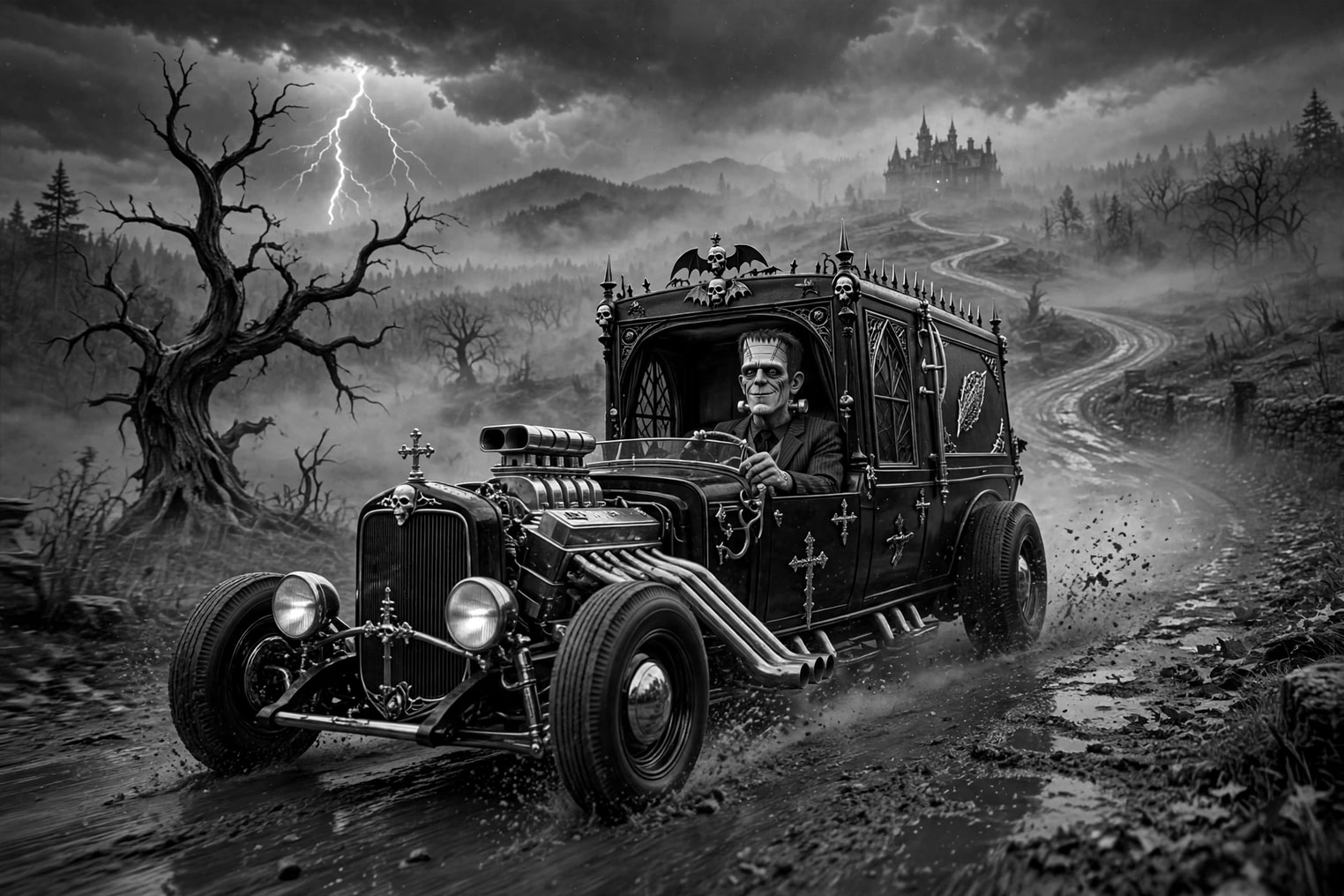
For a little fun and a lot more action.
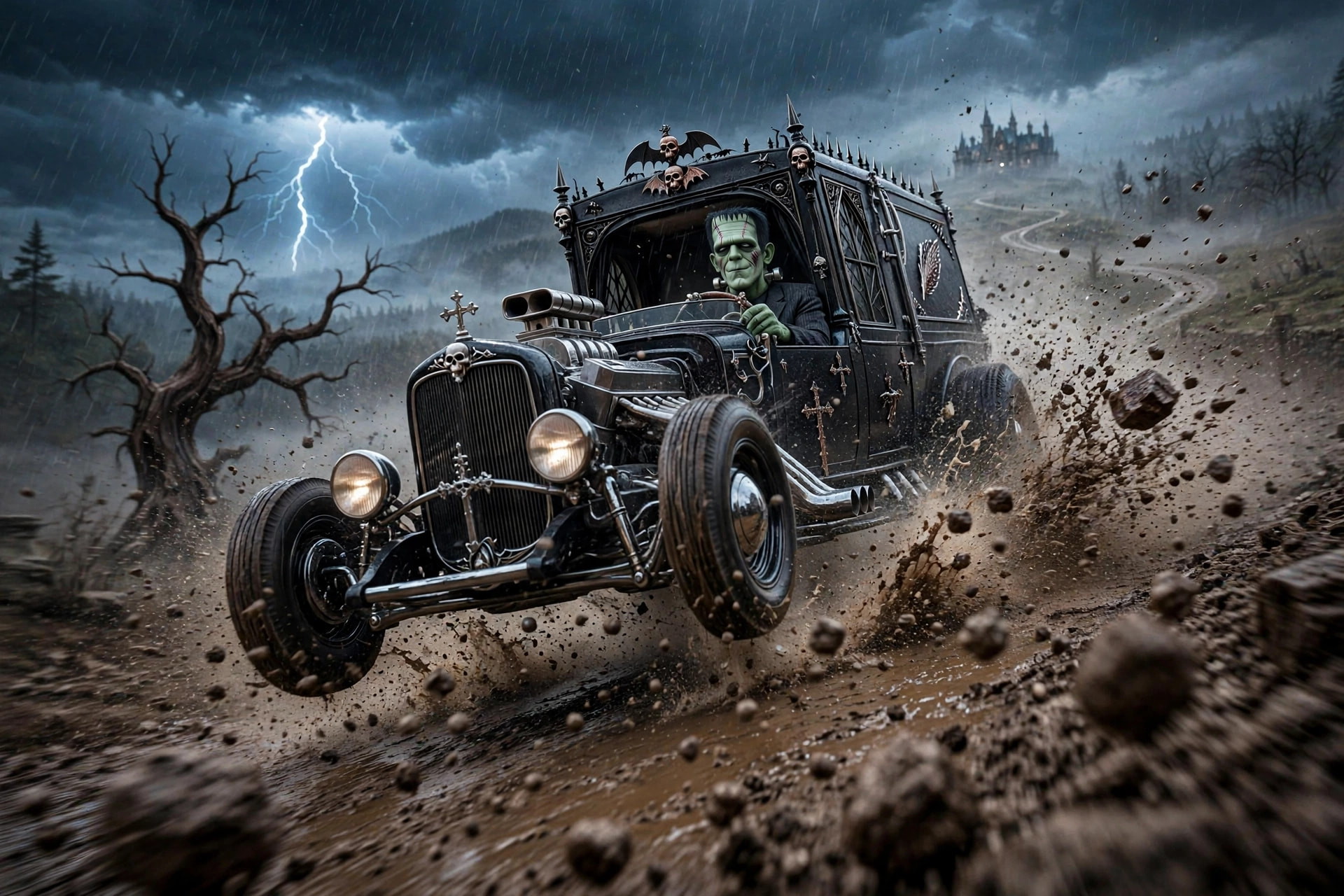
Crazier yet. I find it interesting that there is even detail in the under carriage of the car.
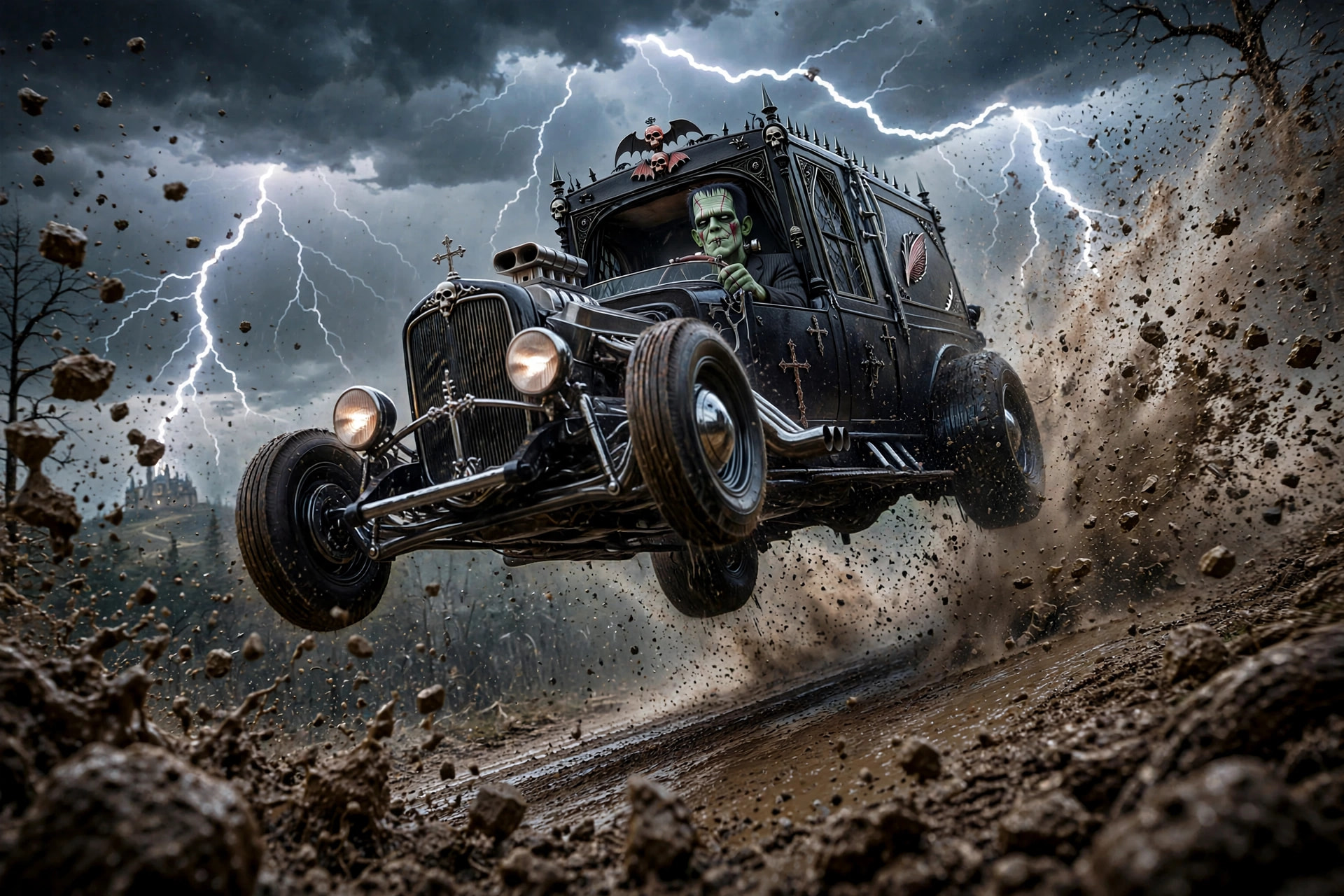
1 Like
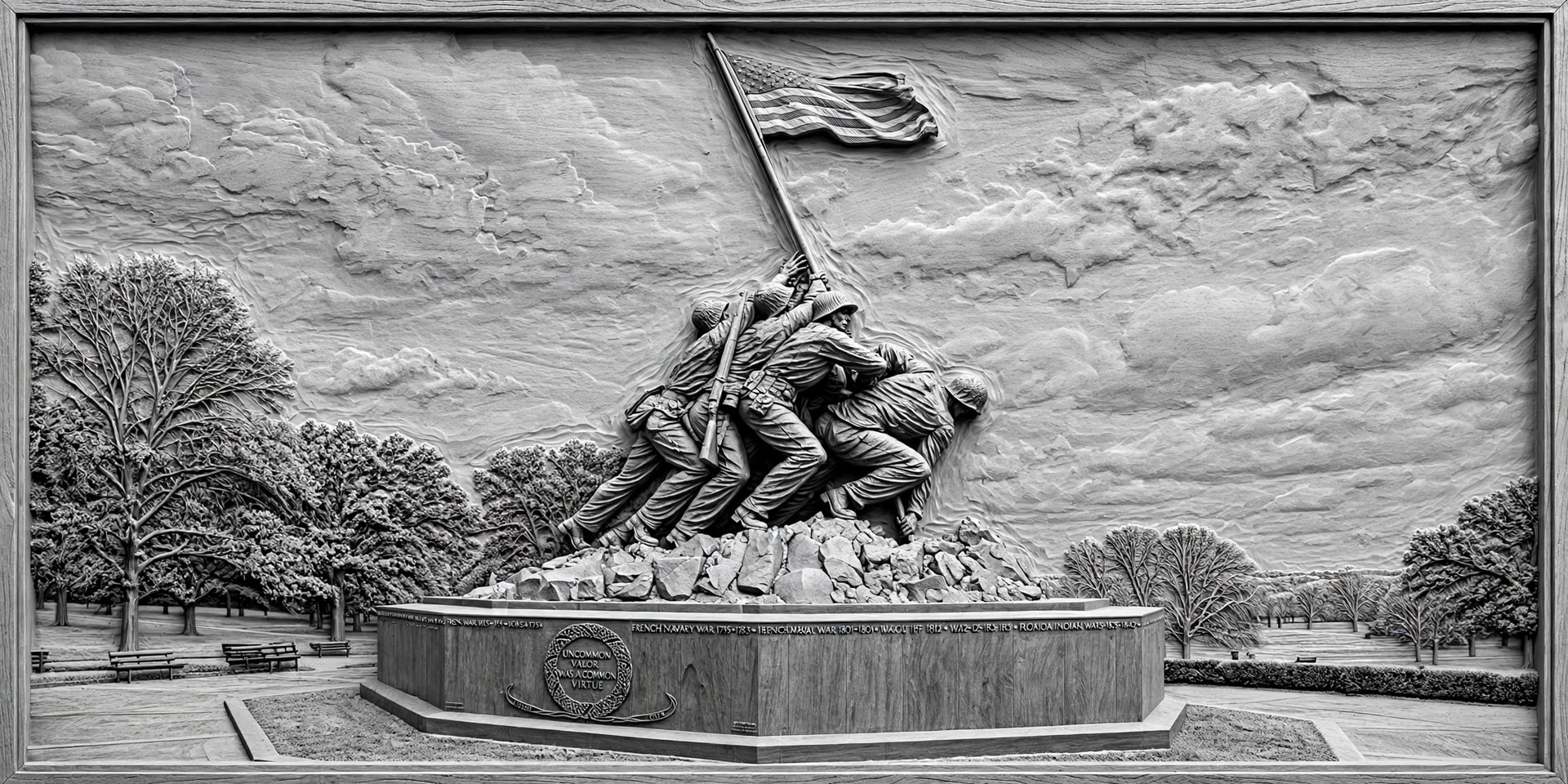
I just had to try something with the memorial image. I went back to my original chat with meta, and it assumed I wanted images for laser engraving when I asked for a 3d effect. This is what I got. I also got a .stl depth map for CNC which I am sending to a friend to see if he can produce a 3d carving.
4 Likes