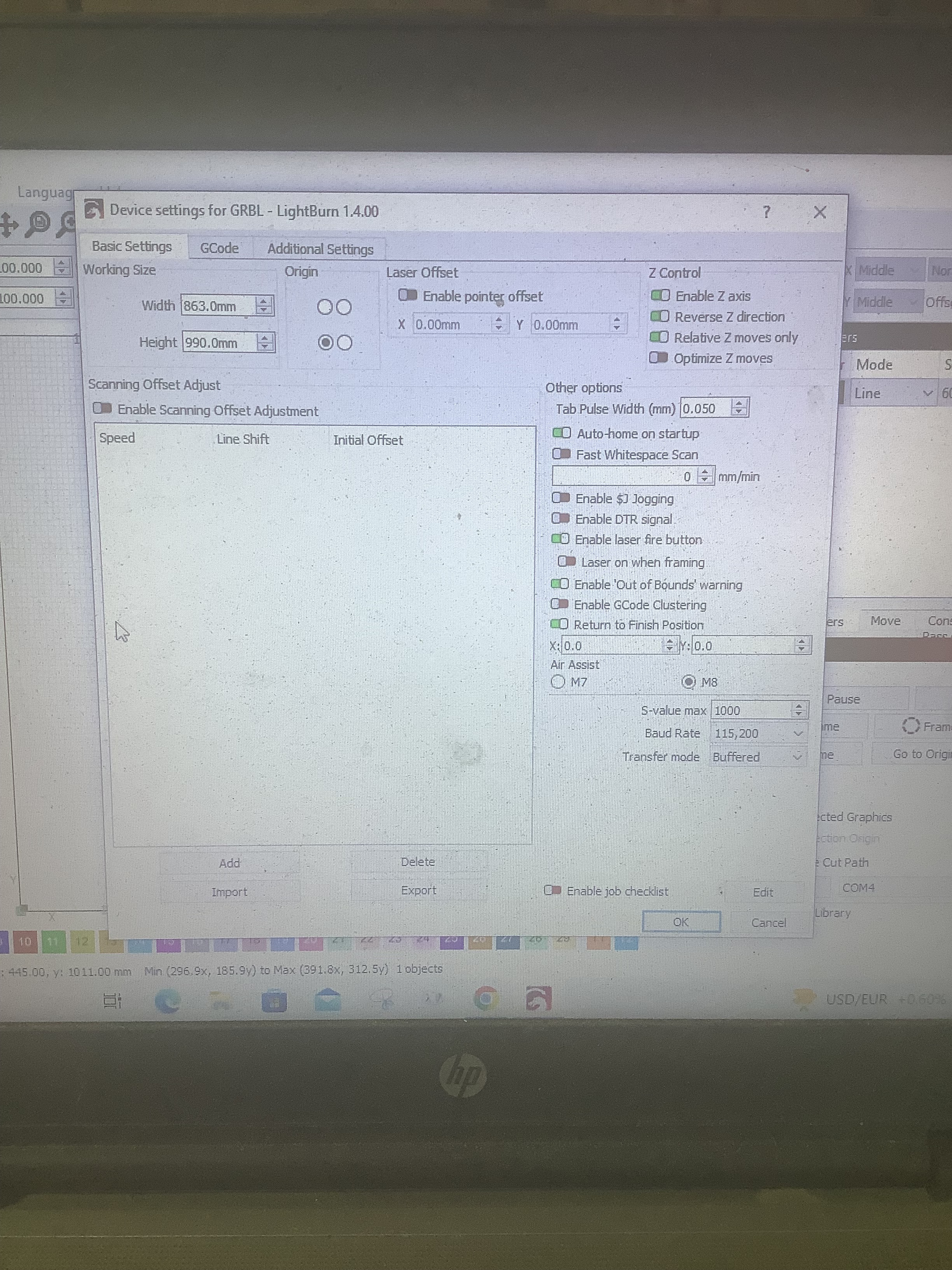
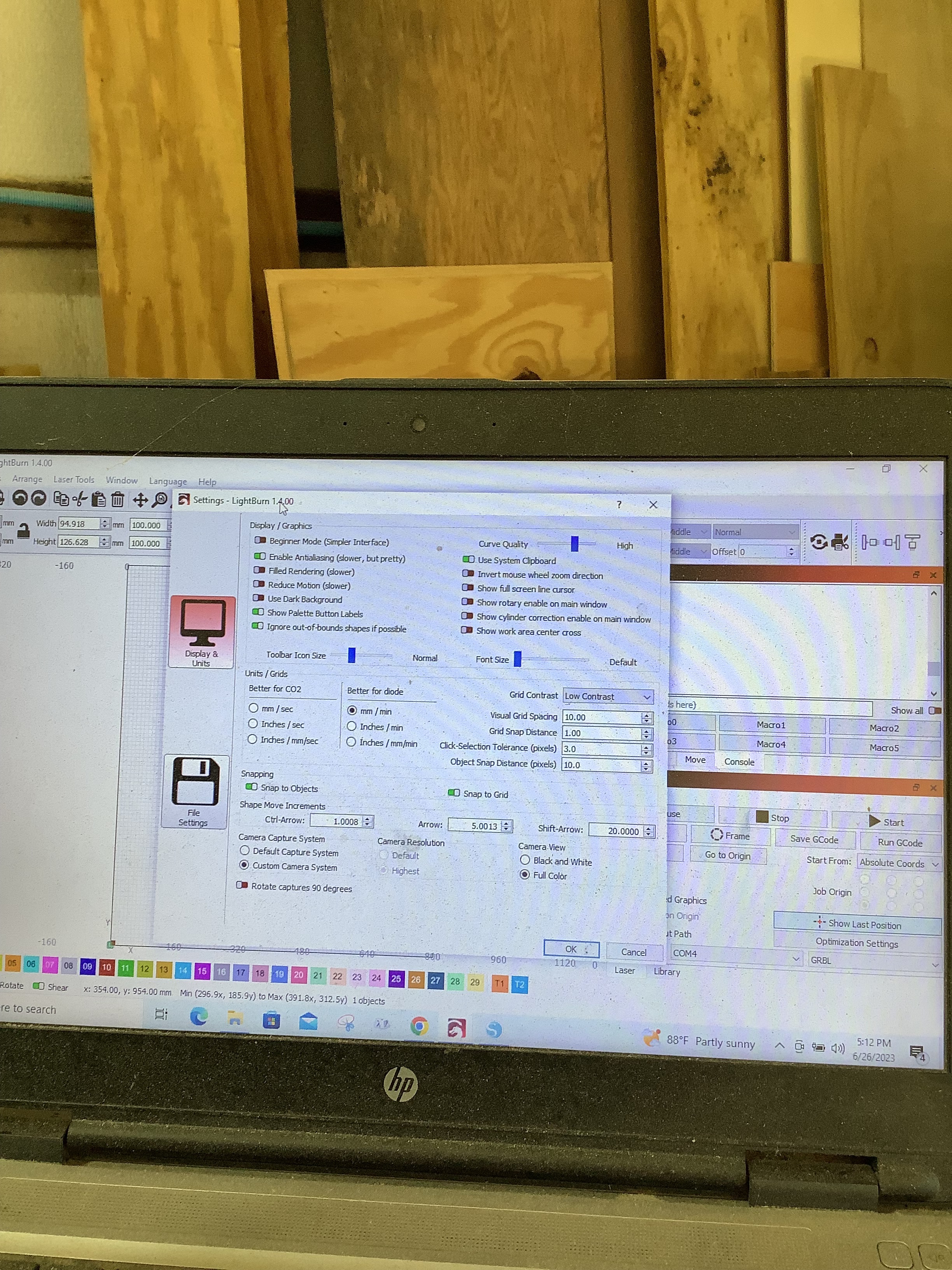
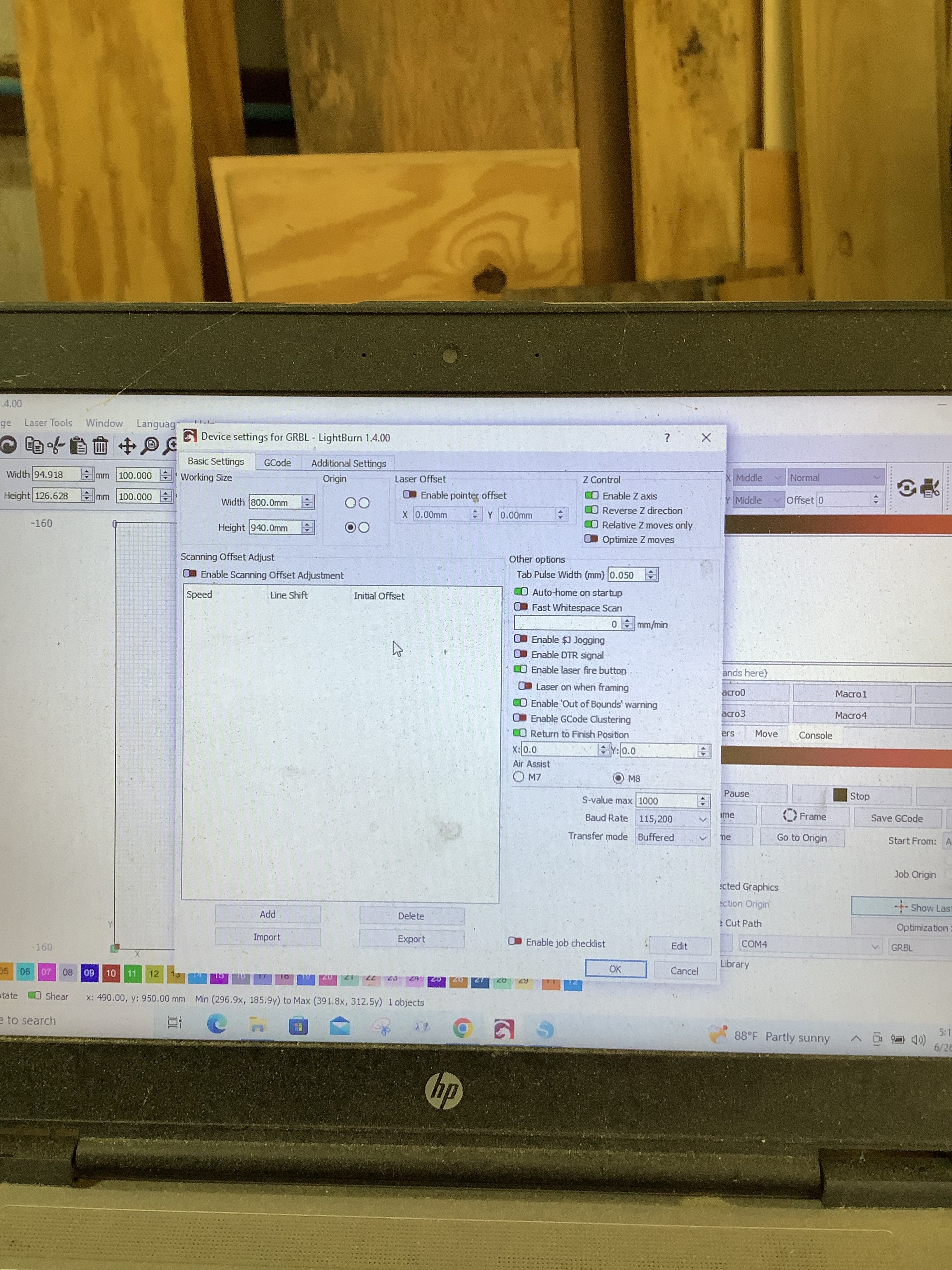
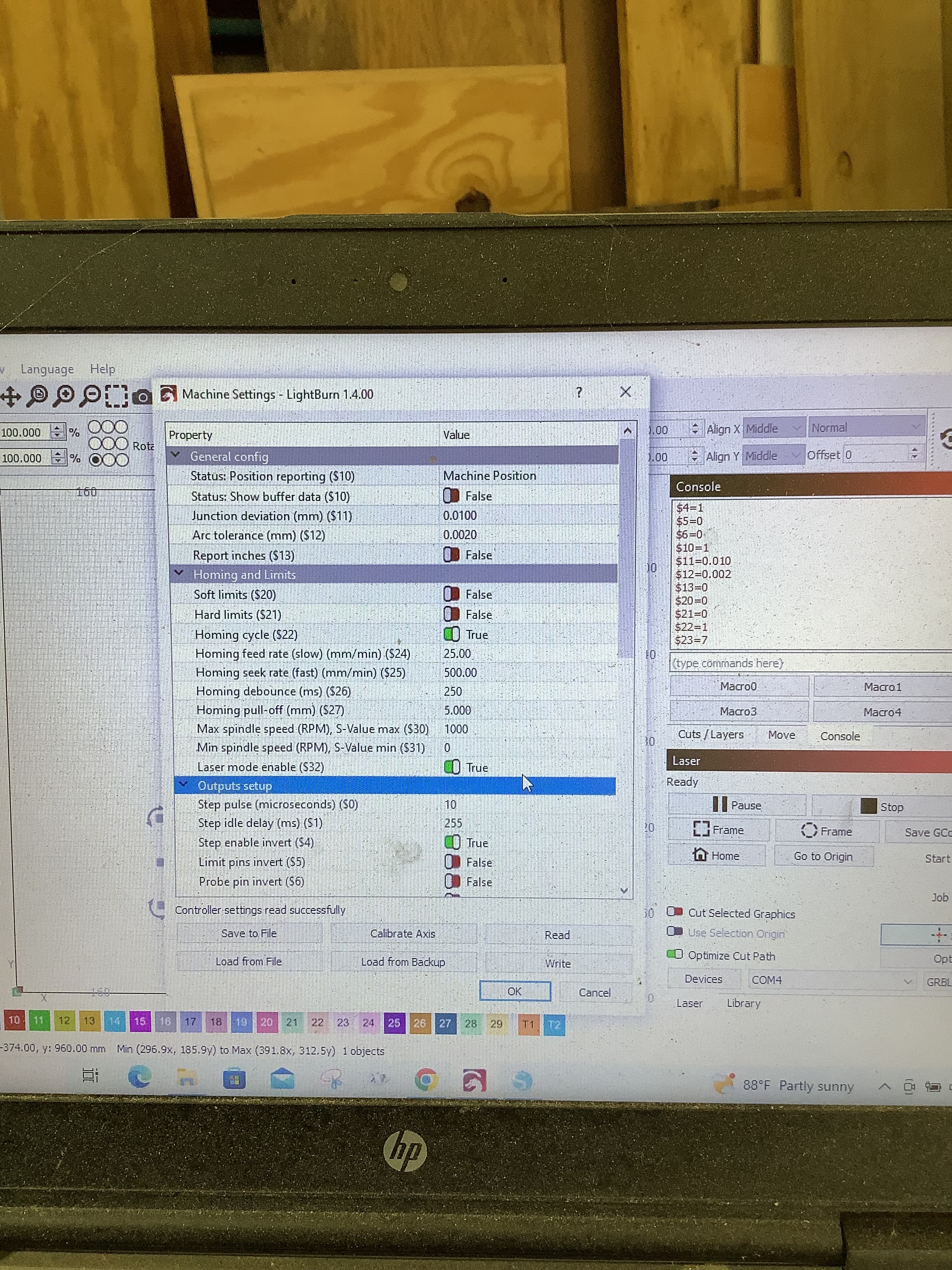
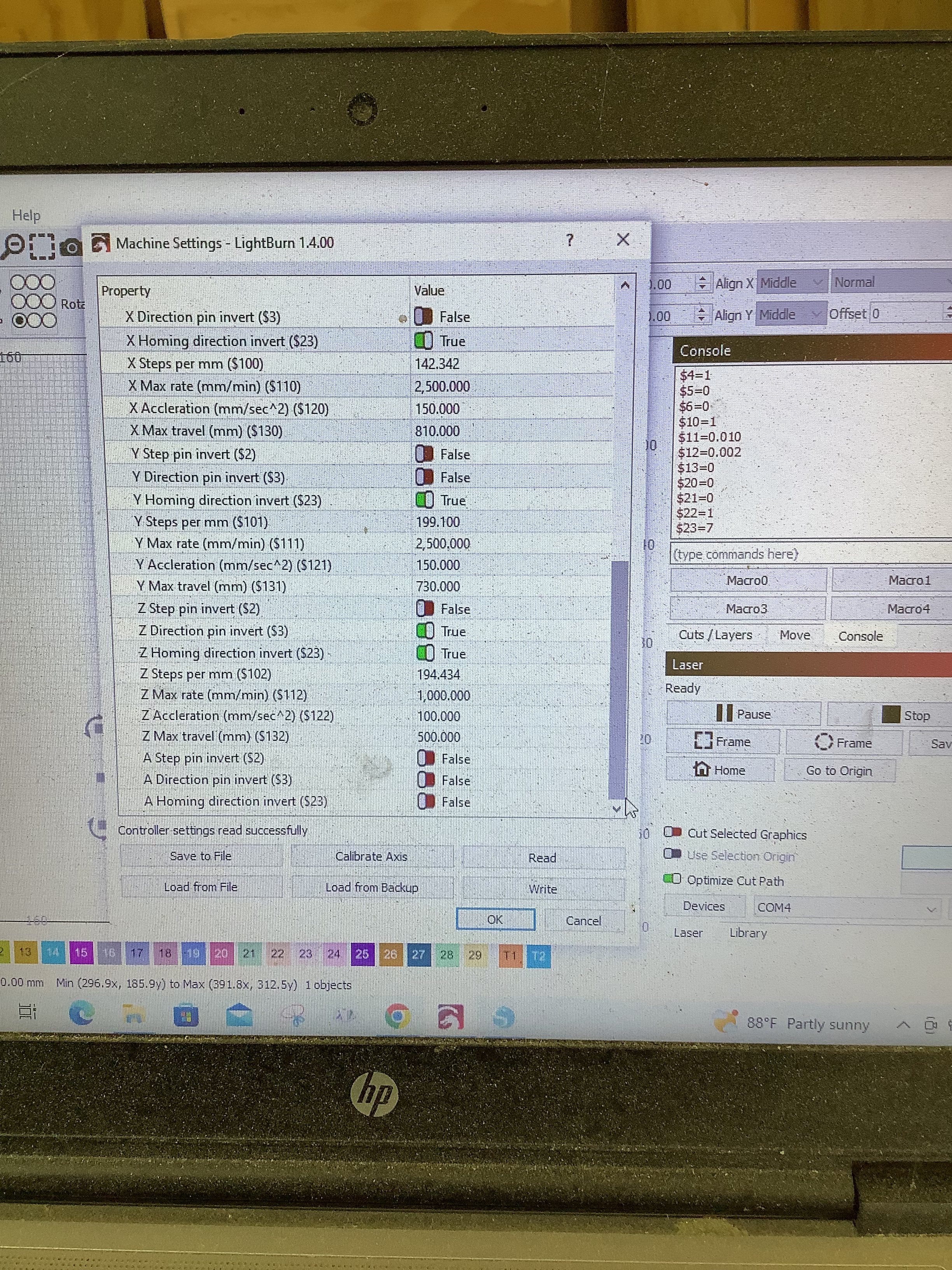
I see this in a later post. I did not catch that you had changed $21 from the original setting. Use soft limits to prevent rail crashes. It reads off the $130, $131, and $132 settings.
These settings (X,Y,Z max) are not rail to rail measurements. They are maximum travel distances from the home position. My “30x40” machine measures (minus a bit for safety) 294x305 mm. As you might guess, the hardware prevents rail-to-rail travel.
Get these right and you can turn on soft limits. Now set your Lightburn workspace to these limits and you should be good to go. Lightburn will then tell you if your project is too big for the workspace.
Stay within the work area and you should not get one. Sounds like you are, or almost ready to make stuff. Enjoy!
Thank everyone for all the help. I think I remember reading that I am suppose to set the machine origin before I start and I have tried to find where I read that. Can someone please give me a link or where to find this
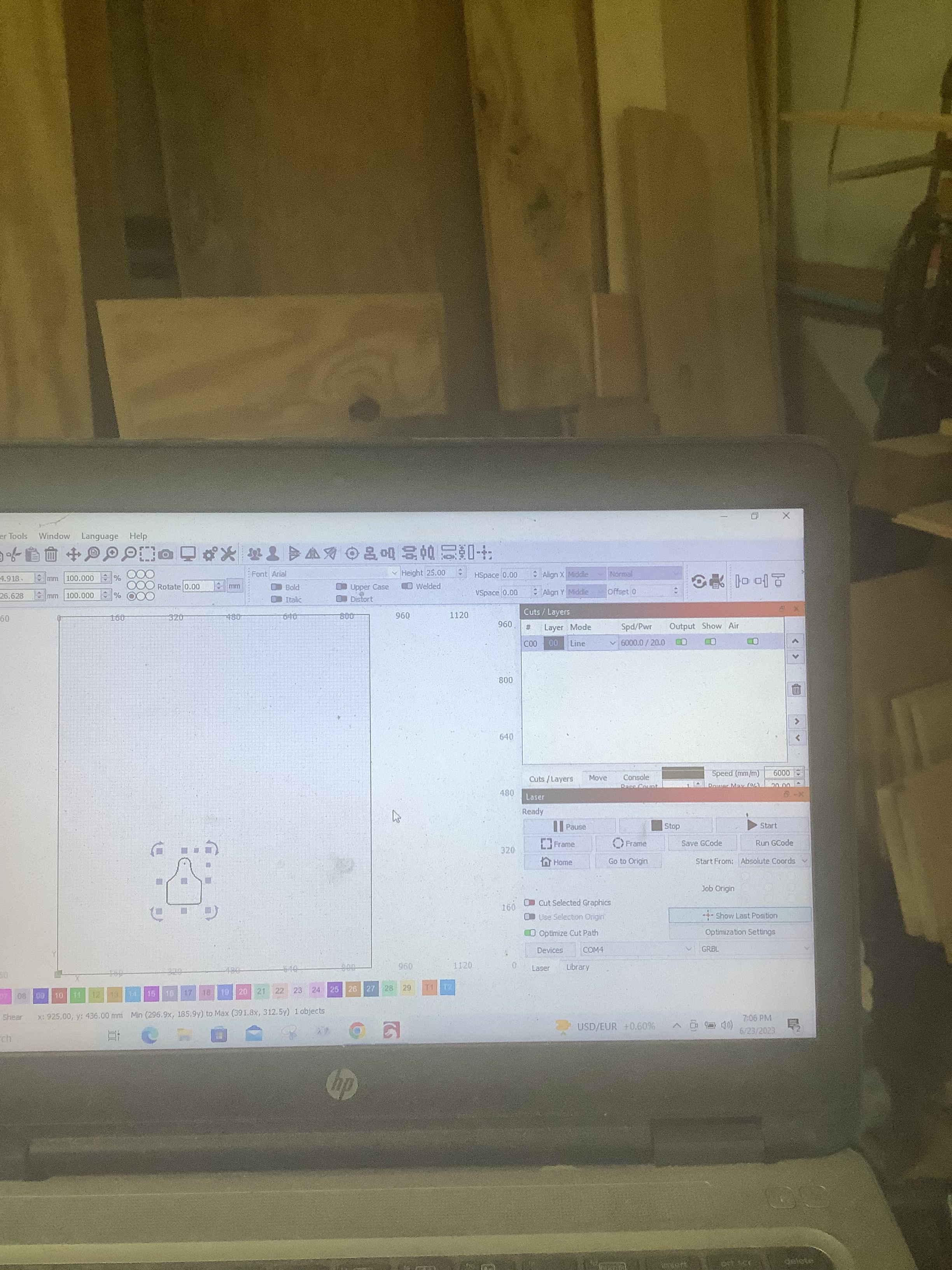
If you are using the home switches, you should have Start from: in the Laser window set to Absolute Coords. When you Home, the machine origin will be set to 0,0 in the lower left corner. In the big work area window you will see a green dot at the origin (lower left).
Ok I still don’t have something just right. So my design was close to the front of my workspace and in between the left corner and the middle. So I wanted to just frame it to see if my material was in the right area and my laser went all the way to the back right corner and I had to stop it. I do not have limit switches at the back
I had the same problem, G54 as an initialization (one time only needed) string fixed it…
This Doc should help you set it. Basically, your machine is working in an all-negative quadrant, G54 moves it to the all-positive quadrant, which matches Lightburn. The X and Y values are the max travel values, I think with the sign flipped.
Ok, so I don’t want to mess anything up. So I am asking before I make this change to the workspace to make sure I completely understand. My workspace is 800mm by 940mm on the safe side. So I am going to put in the console G10 L2 P1 X-800 Y-940. Is this correct ?because where they are using have the value is throwing me off because when you read further down in that document they use the full measurement given. I have an Opt laser attached to a CNC Openbuilds. blackbox.
You’ll need to know the total distance your machine can travel in both axis. For a Shapeoko XXL, for example, it’s 812mm in X and Y. For a 500x500 X-Carve, it’s 250mm in X and Y. By applying a workspace offset that is the size of your machine area, we can shift the offset to the opposite corner, like this: Enter the following command:
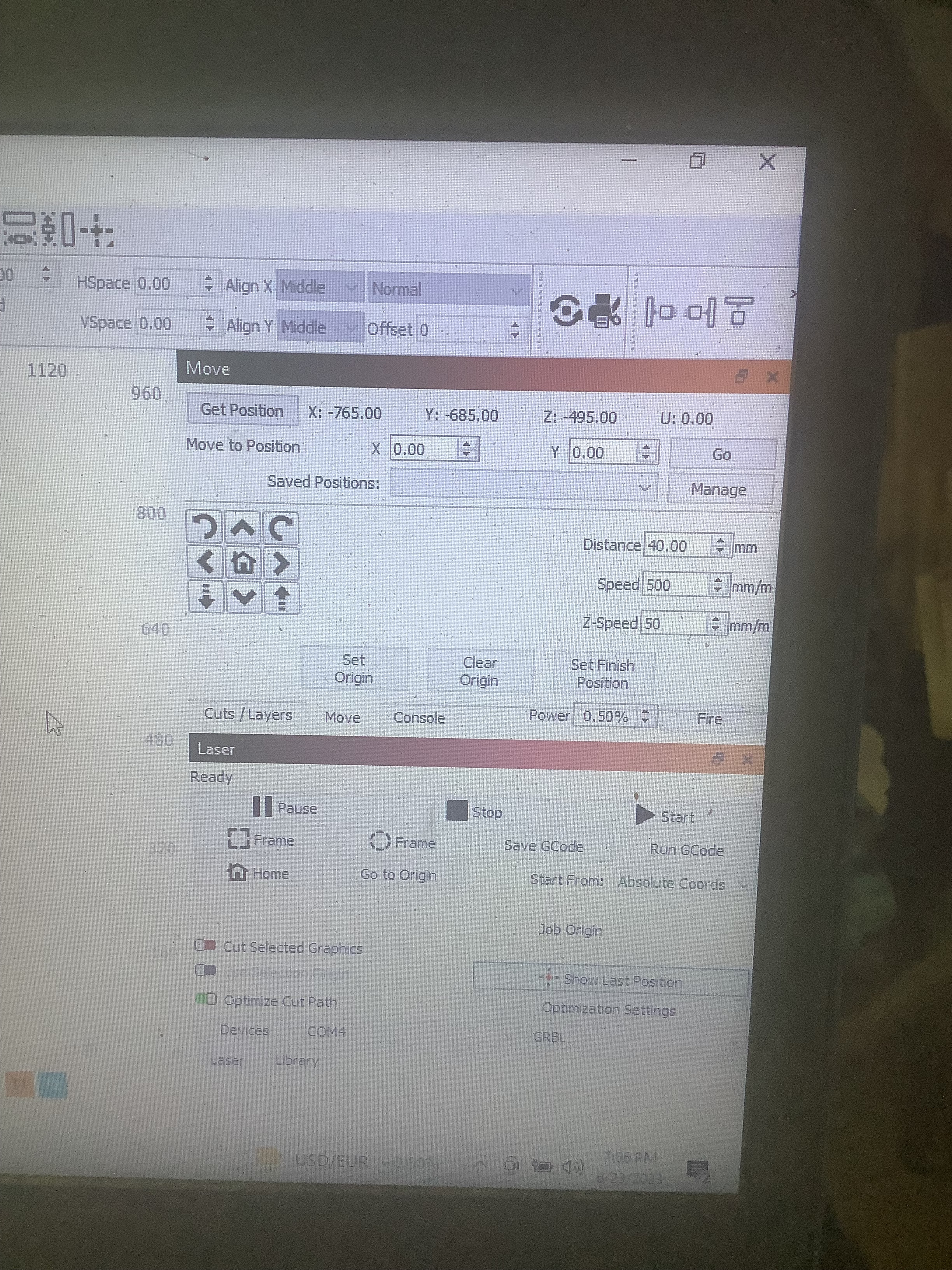
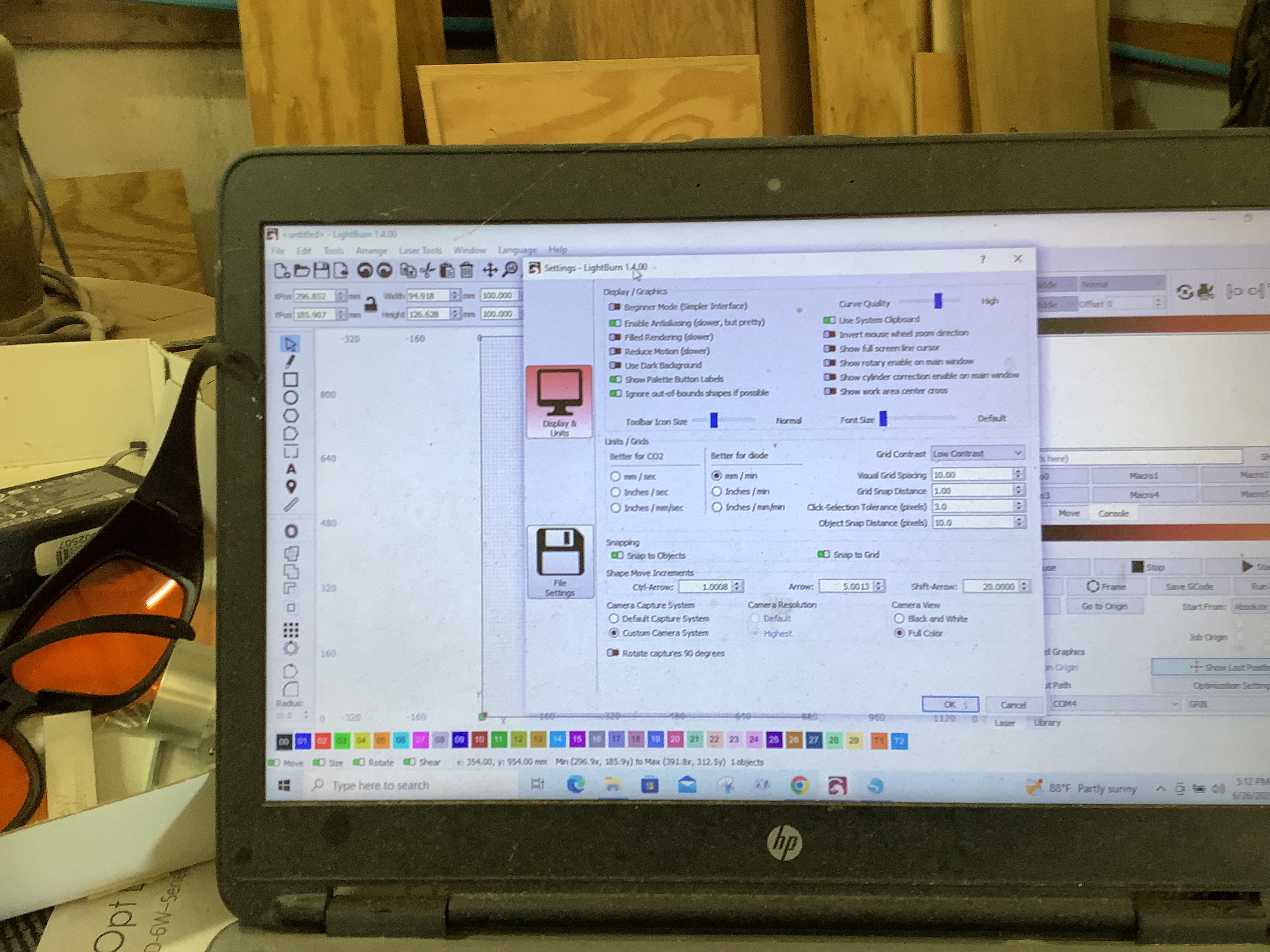
Ok so it didn’t go to the back right corner,but I am get a little noise when it moves so I am guessing it may be my speed of the x axis. And the z axis doesn’t move down. I included pictures of my settings and the video of it moving won’t load
Your X max $130 is 810 and Y max $131 is 730. That is what should go into the G10 command. G10 L2 P1 X-810 Y-730 I omitted Z because I do not know if your home switch is at the top or bottom. Just remember when you HOME, you have to be off all the switches.
Noise? You did not say whether accelerating or moving. Accel is $120, $121, $122. Move max rate is $110, $111, $112. I do not know your machine, but my numbers are a lot less and it is a lot smaller (les mass).
There is usually no Z motion for the laser. other than multiple passes for cutting thru a material. Laser-only machines have a manual adjustment for the Z position. A driven Z axis is typically due to a CNC Mill being adapted for laser operation. You would move/jog Z to the laser focus point at the desired burning point and set Zero there.
My z switch is at the top Ok so I don’t understand how to cut something using absolute coordinates Do I just jog the z axis down to the 60 mm and then frame and run?
The noise is when the laser is moving across the x axis . It’s not real bad and doesn’t last long. Not sure what Lightburn file you want me to load. I videoed the laser moving with my iPad and couldn’t get that to upload in here so you could see it