Actually it did in version 1.7. I just upgraded today. With version 2, it only shows the position after selecting MOVE or GET POSITION. I do not like this change at all.
1 Like
It’s not a change, it’s a (known) small bug and will be fixed. Other than that I haven’t noticed any real problems. I had to redirect my SLF fonts and reload my art libraries, that’s all.
I always check my most important parameters when I have a new version of a software in use and am careful with my backups of prefs and settings.
On GRBL devices, you now have in the Device Settings->Basic Settings a toggle for “Query regularly for laser position”
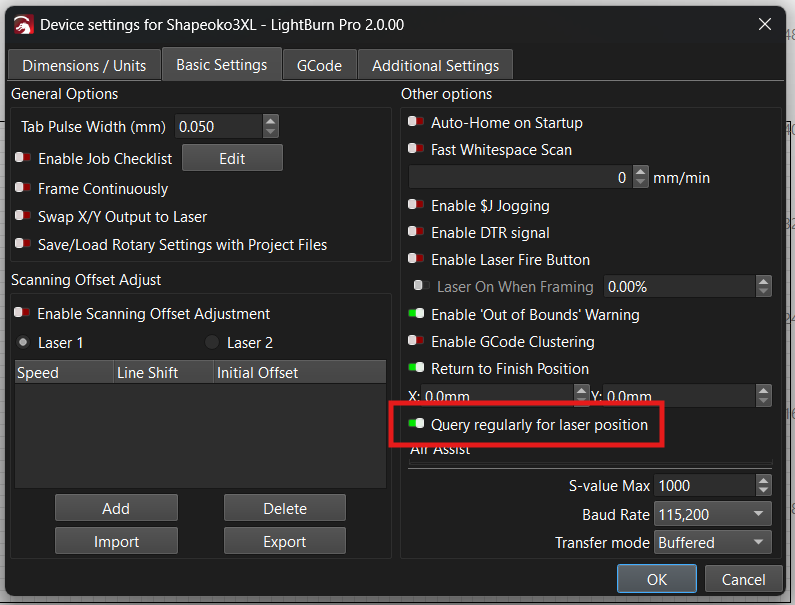
If that is off, then yes, you will need to manually Get Position for the crosshairs to update.
We specifically changed the mechanism to show the tool position of the crosshairs to always update only from the position returned by the machine, not where we told it to go (because it may not get there…)
If it is on and you still don’t see your crosshairs updating while you move (it should update every 0.5s or so, except while a job is running), then please submit a bug report to support@lightburnsoftware.com
I apologize if we missed the answer to this in the thread - it went many different directions with other issues that I missed.
Hi Jon, it’s still a Ruida Laser on MacOS that has the problem, it’s mentioned a little higher up in this thread, (if you are referring to my comment).
Oh, my bad. I keep getting devices confused - too many threads/bugs to look at.
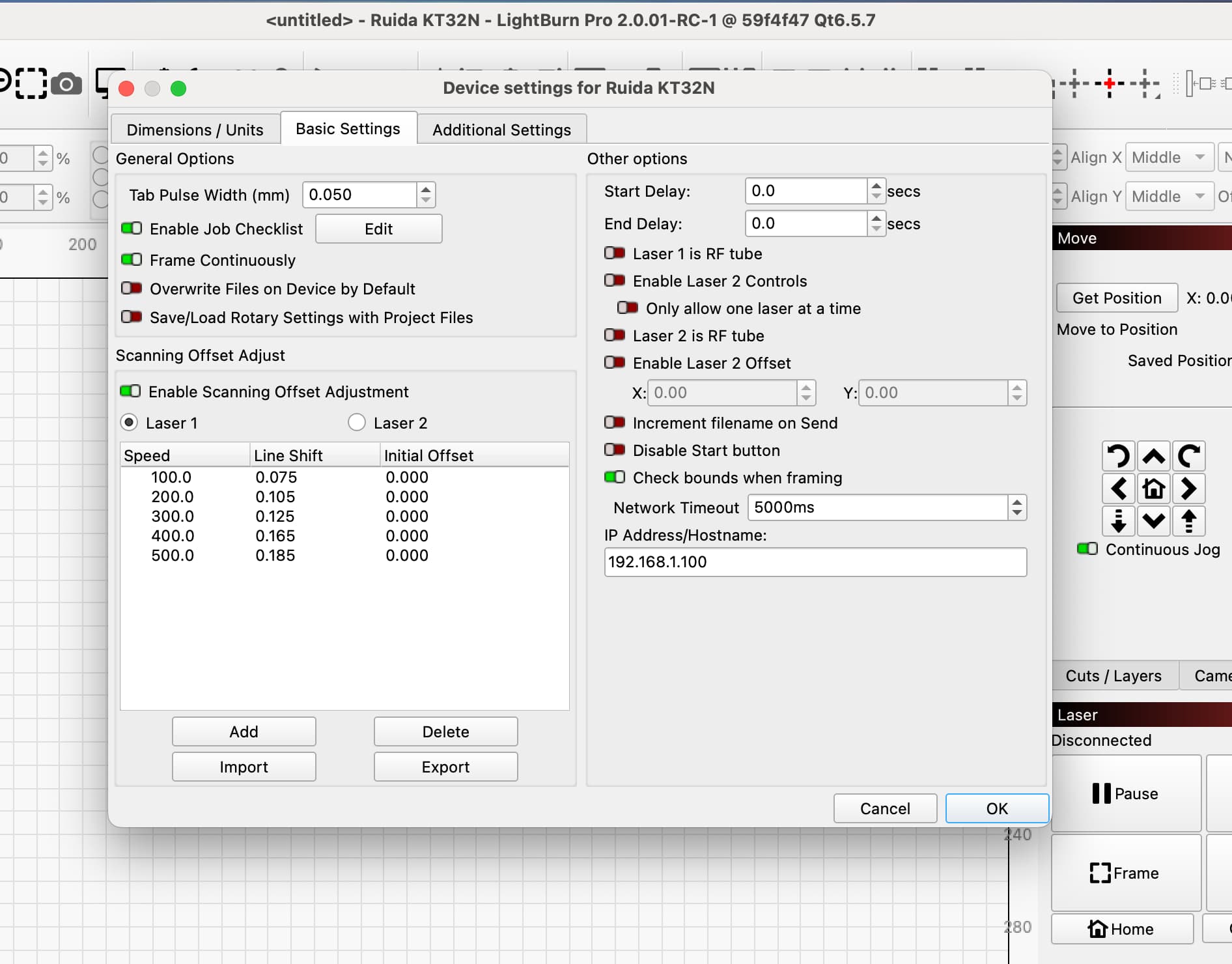
We’re aware that the regular position query for Ruida isn’t yet implemented, an oversight on our part and we’ll make that happen soon. Until then, yes, the crosshair will only update when you ask LightBurn to get the new laser’s position.
…I know, I know…, keep up the good work 
As long as it’s not forgotten, I’ll be happy to wait. 
Awesome. Thank you for answering.
1 Like
This topic was automatically closed 30 days after the last reply. New replies are no longer allowed.