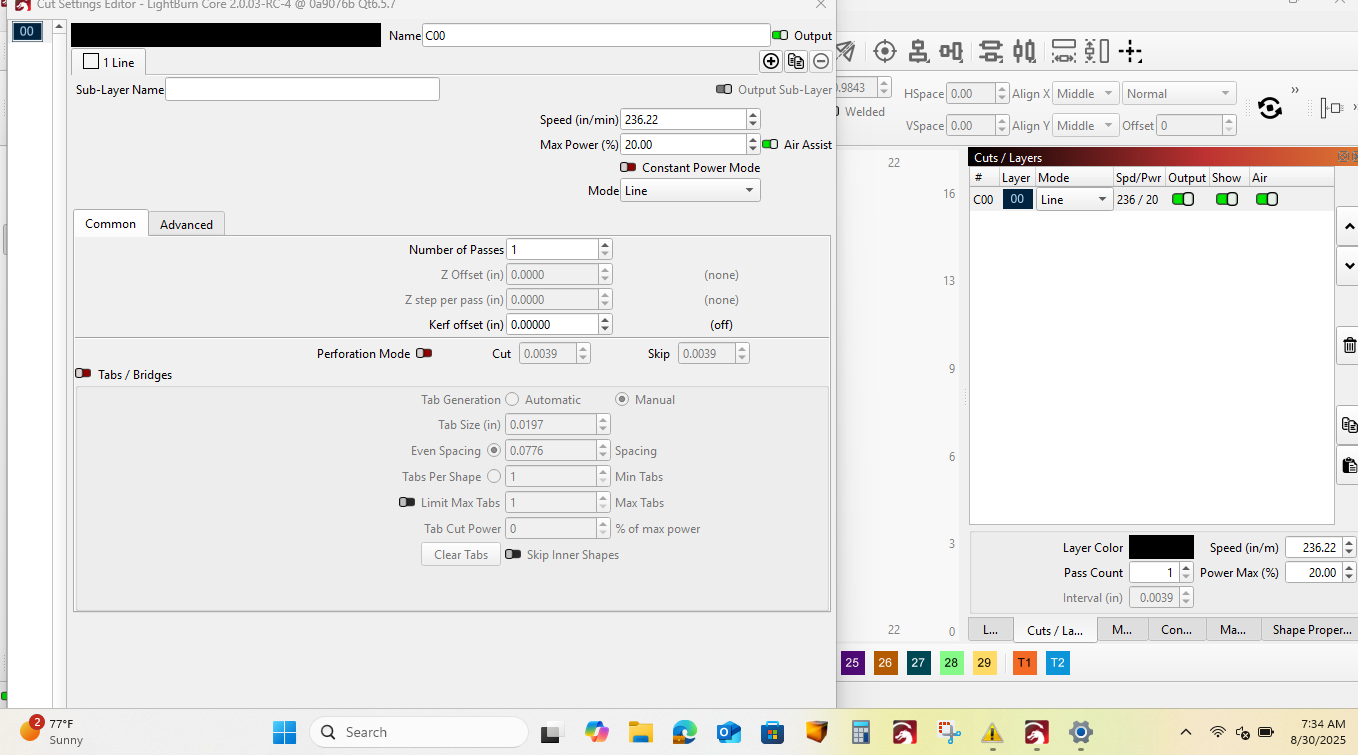
I’ve been using LightBurn for some time, but I’ve noticed that certain popup windows (for example, when double-clicking a layer or opening settings) are too large for my screen. The bottom part is cut off, making it impossible to click OK to save changes.
The only workarounds I’ve found—hiding the taskbar or reducing the overall UI font size—are not satisfactory. I’m wondering why these windows must be fixed in size instead of being scrollable.
I am not currently on my machine to give you the exact patch number but I encountered the problem on both the latest windows and Linux versions. (In windows 10 and Linux mint respectively). In the past 5 days so the versions aren’t outdated by any means.
Hello sorry for the delay. I am currently using (on Linux mint 22.1) Lightburn 1.7.08. But I want to mention that I had the same issue with windows 10 and lightburn 2.0.02.
For the Windows system, we adjusted a few related things with the release candidate 2.0.03-RC2. Worth reviewing. Checking on the 1.7.08 version on Linux, what is your screen size/resolution?
Hi Nick,
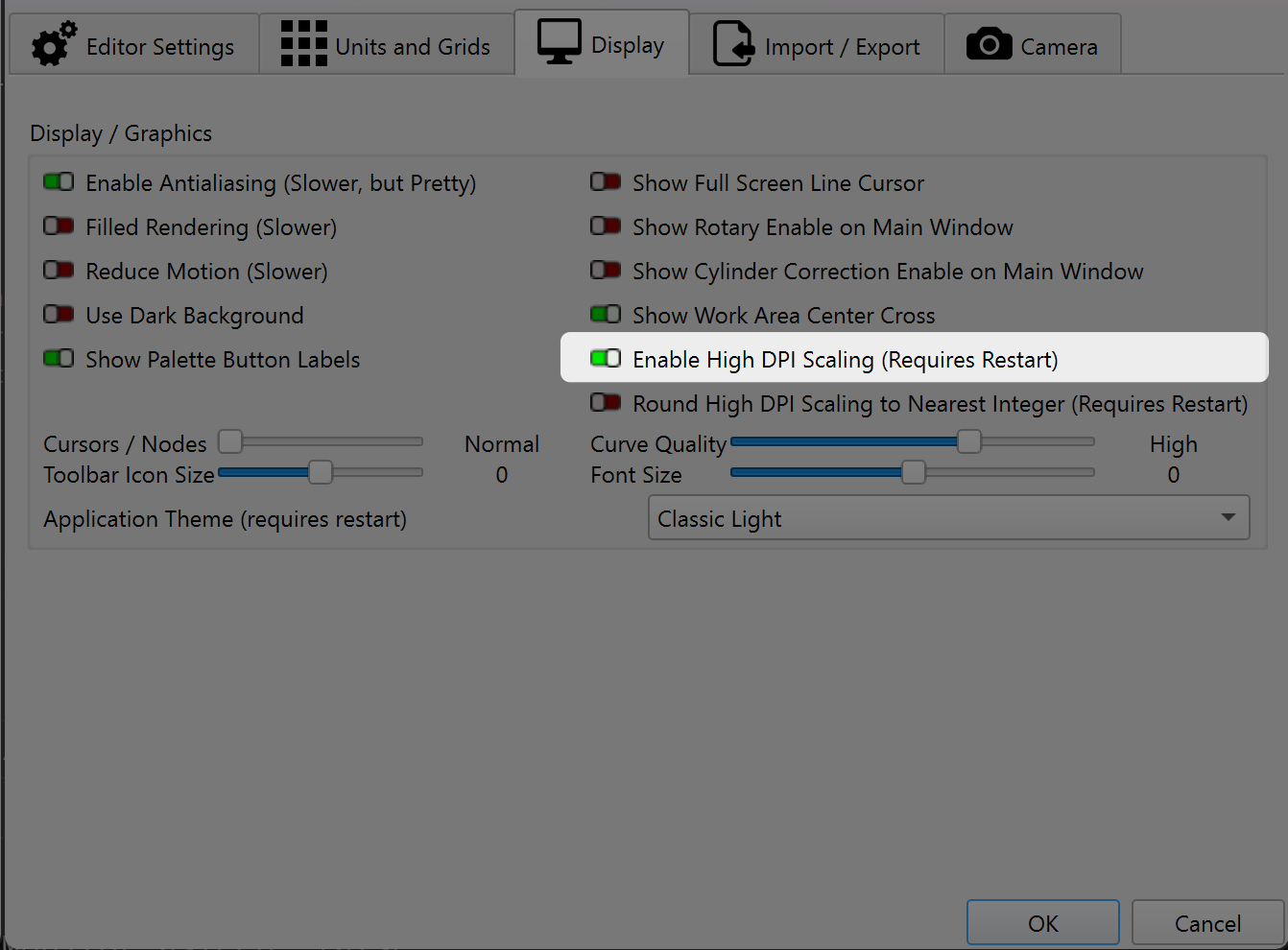
It’s likely that the “Enable High DPI Scaling” setting is turned on in the latest Windows version of LightBurn. If so, can you turn it off, restart LightBurn and see if that helps (you may still want to adjust font and icon sizes after this, but it should make a big difference).
You will need to follow the link I provided above. Our Release Candidates are pre-release (sometimes known as public beta releases) and installed separately.
If you tried adjusting the font size in settings>display and it’s still too tall you can use the enter key to confirm changes and escape key to cancel.
I’m having the same issue and I can’t get the screen size to change.So that I can get my color palette. I can’t just restart it because i’m during the trial version and it wants me to exit.And when I do, everything goes away
.grrrr