Using this test, if the top number is between 2 and 3 do you round up?
My bottom number is 5.
Following the round up method this would be 3.5 divided by 40 the Kerf would be 0.0875.
this would be the Kerf Offset entered in the cut setting screen, correct?
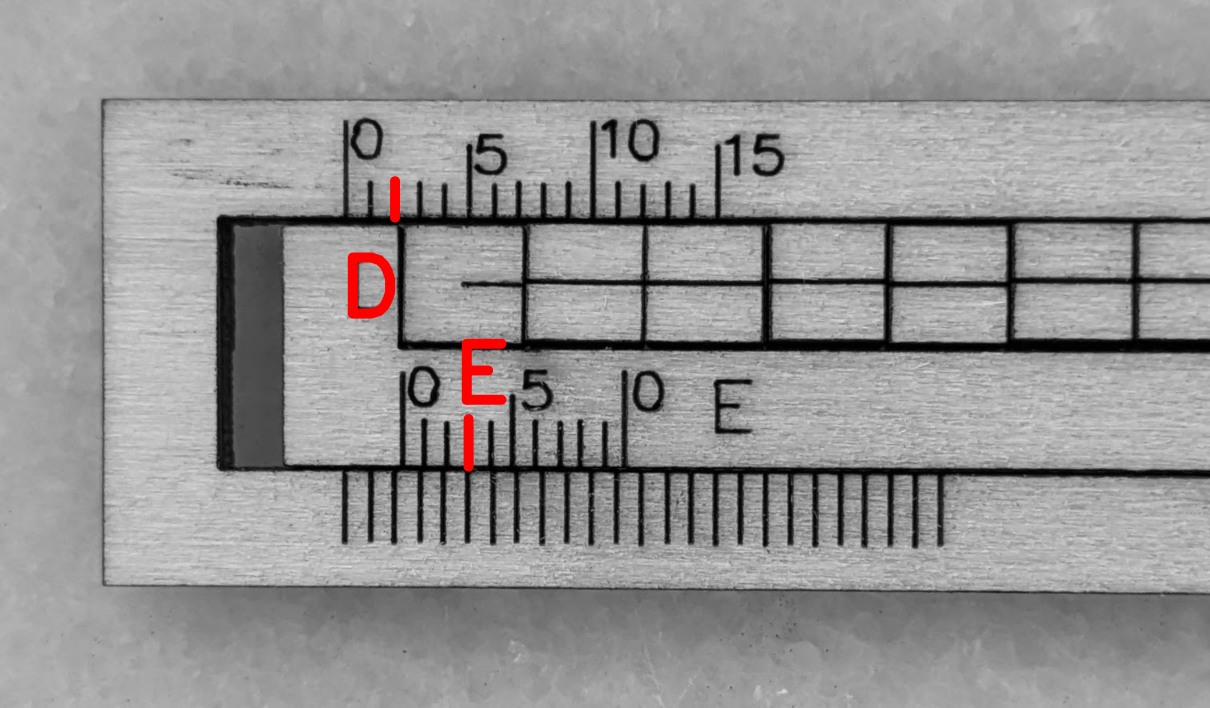
Per the instructions, that’s 2 with 5 as the first decimal place, then divide by 40:
0.063 = 2.5/40
Diode lasers typically have a rectangular spot, so expect a somewhat different kerf along the other axis. Rotate the LightBurn layout by 90°, make another gauge, and compare the results.
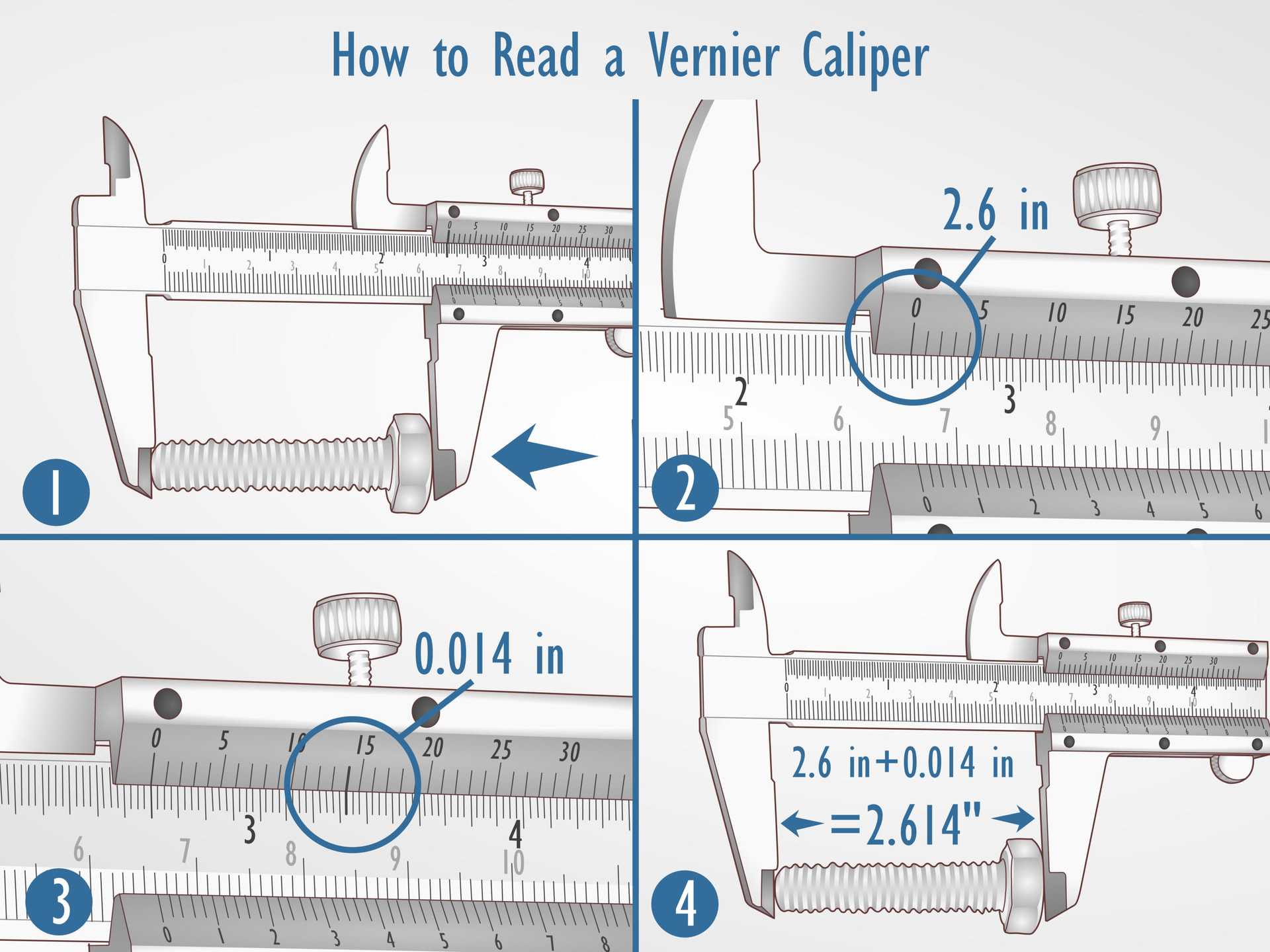
Got it. You do not do any rounding. You read it sort of like a slide rule (before calculators).
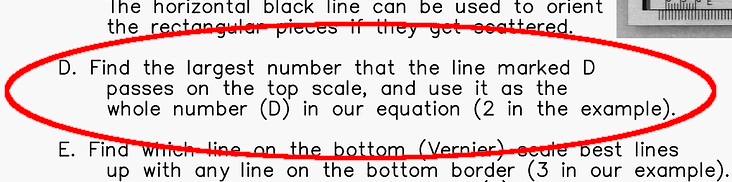
From Lightburn Docs…
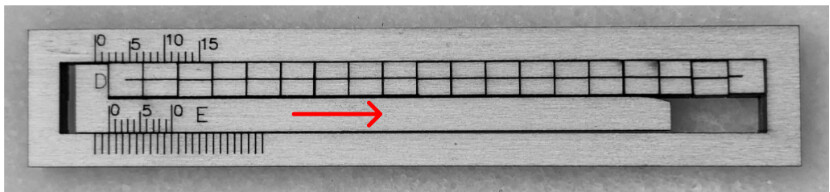
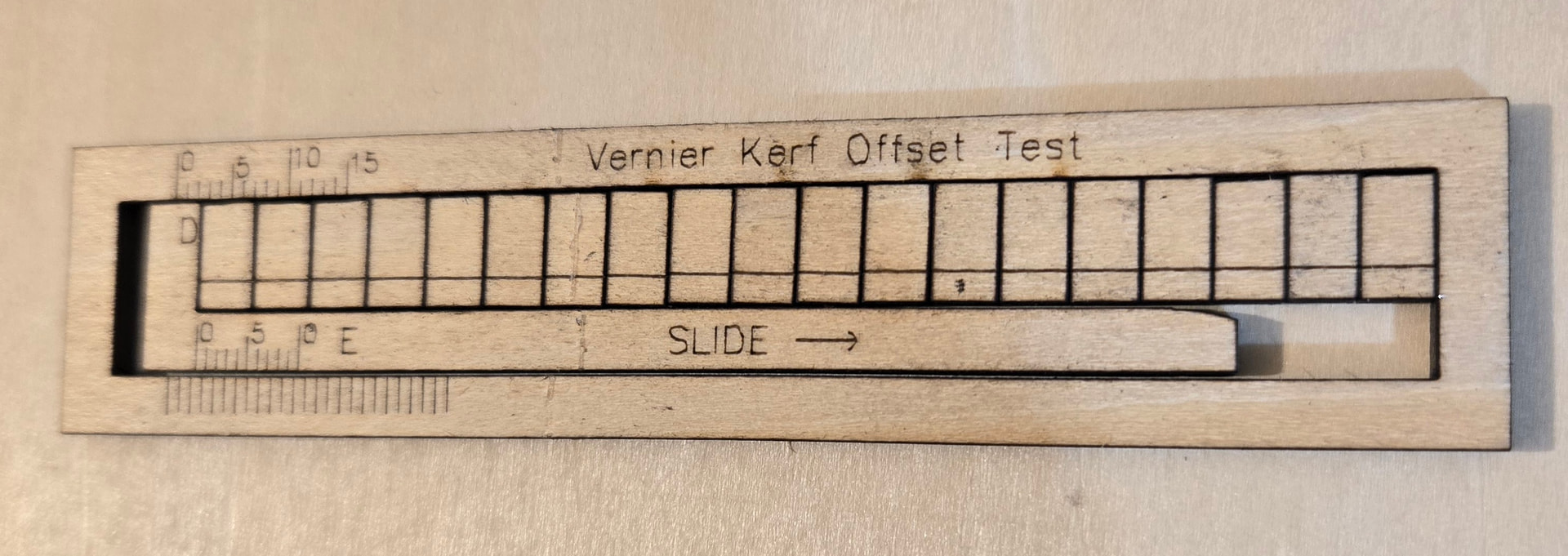
Find the largest number that the line marked D passes on the top scale, and use it as the whole number (D) in our equation (2 in the example).
Find which line on the bottom (Vernier) scale best lines up with any line on the bottom border (3 in our example). This will give us the decimal place (E) in our equation.
In your image, it is reading 2.0. Say you slid it over 2/3 of the way past the 2.0 position. Then it would still be 2.0 plus the reading on the bottom scale, which would be 1 mark past the “5”. The final reading would be in this case 2.6 indicated, but the KERF is 1\2 of that, or 1.3mm.
That said, I have no idea why the 2.6 would be divided by “40” like it shows in the Docs. The file provided in the Docs may be different than the one that was circulating in some postings.
If I Googled the right laser module, they claim typical 0.014mm beam spot. Ideally, your kerf would be .007mm, but wood-burn would likely make it closer to 0.01mm (which is pretty good).
Because each material is different, when I use a downloaded file, like from boxes.py, I will copy a tab and slot to make a test cut for the fit. I also operate with 3 different wattages, so a quick test keeps me out of trouble. I have included a test file that you can use on about any material. I usually get a decent fit by the 3rd try.
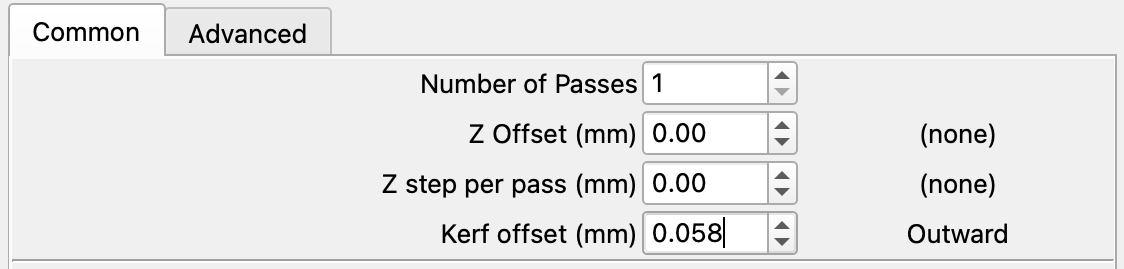
Set up the Cut (red) and Score (black) layers with your usual settings, and ensure the Kerf Offset is set to 0 mm (off) in the Cut Settings Editor. Position and run the Vernier Kerf Offset Test on your machine as normal.
Remove all pieces from the machine (a piece of painter’s tape can assist), and remove the piece marked DISCARD.
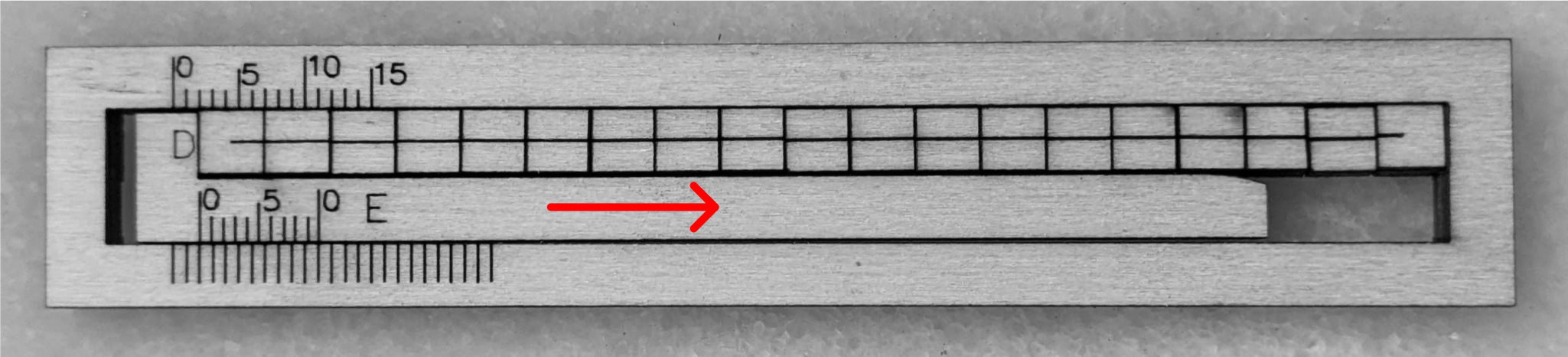
Slide all loose bits to the right →. The horizontal black line can be used to orient the rectangular pieces if they get scattered.
Find the largest number that the line marked D passes on the top scale, and use it as the whole number (D) in our equation (2 in the example).
Find which line on the bottom (Vernier) scale best lines up with any line on the bottom border (3 in our example). This will give us the decimal place (E) in our equation.
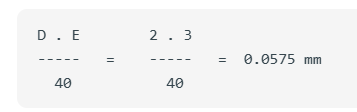
Fill in the equation, calculate it, and use the result as your Kerf Offset in the Cut Settings Editor.
D . E        2 . 3
-----   =    -----   =  0.0575 mm
  40           40
Optional: You may then use the box joints included to test your new Kerf Offset.
Once you have found your Kerf Offset, it’s a good idea to save the settings to your Material Library, and the test itself to the Art Library, for future use.
You want to know how much material a cut removes, this is the kerf.
This makes 20 cuts, to get the average cut (kerf), you divide the total of 20 to get the average kerf. If this made 10 cuts, you would divide by 10, not 20…
Then divide the kerf you get by two. 1/2 of the kerf is on one side the other 1/2 kerf is on the other.
That should get you close to what is actually needed. I always cut a notch/slot that’s only one or two. Then I can see if it will fit like I want.
Basic math… multiplication/division rule it doesn’t matter where it is… 2 x 20 = 40, so using 40, you don’t have to divide by two. I think @ednisley was pretty clear on that…
I’d venture to say you hosed something up. I don’t see how you can possibly have a kerf of 57.5 microns (0.0575mm), that does not seem possible.
Another issue, is that most diode lasers have a square or rectangular spot. If you do anything other than up, down, right or left, such as a diagonal, then the kerf will change.
Looks like you’re reading it correctly, but something is wrong with the results. If your spot size is 0.20mm, then your kerf will likely be larger.
Can’t say I’ve ever seen one with the same value, or lower, as the tool diameter. They usually take out at more, as there needs to be enough for clearance.
This was the answer I was looking for to start with at the beginning of this thread.
The answers received, although helpful, but confusing at first, lengthened the thread, we finally have a solution.